


China Payment Apps for Travelers: Alipay, WeChat Pay & Mobile Data Tips

Jul
For most travelers, the best China payment apps setup is Alipay plus WeChat Pay, at least one foreign Visa or Mastercard linked to both, a small RMB cash backup, and mobile data ready before arrival. Set up both apps before your flight, link your card, complete identity verification, and make sure you can get online the moment you land — payment apps, SMS verification, and bank approval prompts all depend on a working connection.
| Need | Best option | Backup |
| Everyday QR payments | Alipay or WeChat Pay | The other app |
| Restaurants and small shops | Alipay / WeChat Pay | Small RMB cash |
| Hotels and airports | Foreign card or mobile wallet | Alipay / WeChat Pay |
| Ride-hailing | Alipay mini-program / DiDi / WeChat | Hotel help desk |
| First hour after landing | Mobile data + payment app | Cash + airport Wi-Fi |
| Payment app failure | Second app + second card | RMB cash |
What payment apps should tourists use in China? Tourists should set up both Alipay and WeChat Pay before arrival, link a foreign Visa or Mastercard to each, carry a small amount of RMB cash, and prepare mobile data so QR payments, ride apps, maps, and bank verification all work after landing.
Can Foreigners Actually Use Alipay and WeChat Pay in China?
Yes — and setup is what determines whether it goes smoothly. China’s official guidance confirms that foreign users can link international credit cards, including Visa and Mastercard, to both Alipay and WeChat Pay.
To get there, you’ll generally need: your passport, an international mobile number, SMS or email verification, a foreign bank card, a payment PIN you set inside the app, a stable internet connection, and access to your banking app for any approval prompts your bank sends.
Don’t wait until you land. Airport Wi-Fi, SMS delays, bank verification steps, app security checks, and passport verification can all slow you down right when you need things to work fastest — at baggage claim, in line for a taxi, or trying to message your hotel.
Alipay vs. WeChat Pay: Do You Need Both?
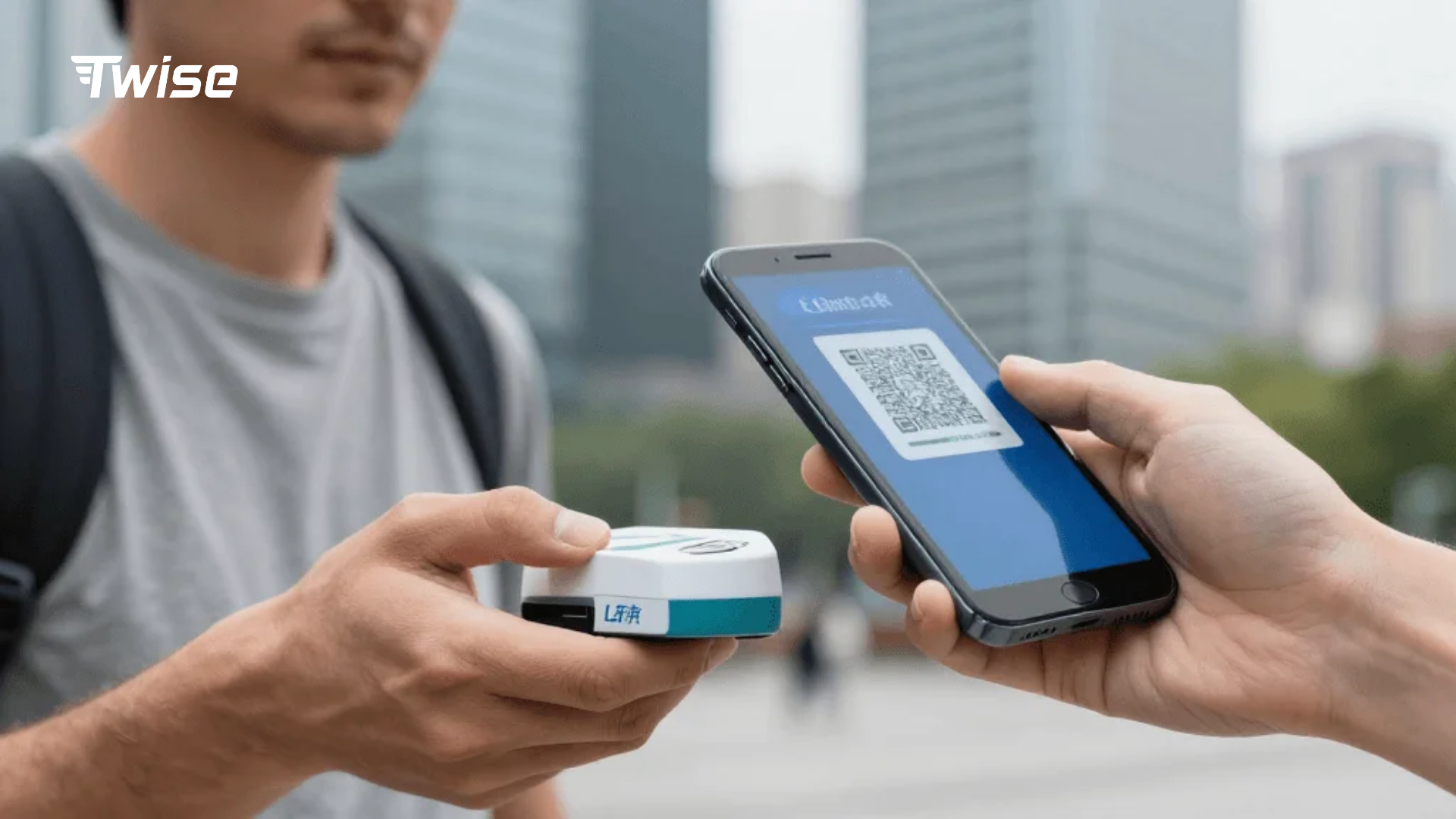
Alipay tends to be the easier starting point for travel-specific tasks — it has a more developed English interface, straightforward card linking, and built-in mini-programs for transport, hotels, tickets, and attractions, plus direct access to ride-hailing through Didi.
WeChat Pay matters because WeChat itself is everywhere — it’s the app many small restaurants, shops, and taxi drivers actually expect you to use, alongside social payments and local mini-programs.
Why set up both, not just one: if your card fails inside Alipay, WeChat may still process it. If you hit a WeChat login issue, Alipay can cover you. Some merchants only display one app’s QR code. A bank may flag and block a transaction in one app but allow it in the other. And one app may simply have a smoother English-language flow for a specific task than the other.
Is Alipay or WeChat Pay better for tourists in China? Alipay is often easier for tourists because of its travel-friendly interface and built-in services, while WeChat Pay matters because it’s what many local merchants and restaurants actually expect. Setting up both before arrival means each can act as a backup for the other.
Setting Up Alipay and WeChat Pay Before You Fly
The setup flow for both apps follows roughly the same five steps — do this at home, not at the airport.
| Step | What to do | Why it matters before you fly |
| 1. Download | Install Alipay and WeChat on the phone you’re traveling with | Avoid app-store restrictions or unfamiliar setup at the airport |
| 2. Register | Sign up with your mobile number | SMS codes can be delayed once you’re on foreign roaming |
| 3. Verify identity | Upload a clear passport photo; name must match your card exactly | Blurry photos or name mismatches are a common rejection reason |
| 4. Link your card | Add your Visa, Mastercard, or other supported card | WeChat Pay supports major international card networks, but check with your issuer too |
| 5. Set a PIN and test | Set your in-app payment PIN; confirm the card shows as linked and your identity status is complete | Confirms everything works before you actually need to pay for something |
Common setup problems for both apps: an SMS code that never arrives, a passport photo that gets rejected, a card that won’t link, your bank blocking the verification step entirely, general language/navigation confusion, and — easy to overlook — forgetting your payment PIN once you’re mid-trip. If one app is stuck, try the other while you sort out the first; don’t let a single failed step turn into the only plan you have.
A practical note for WeChat specifically: it’s a messaging and mini-program app first, so payment setup lives inside Wallet/Services rather than being the app’s main screen — give yourself a few extra minutes to find it the first time.
China Payment Fees and Limits Travelers Should Actually Know
Small payments are effectively free. WeChat Pay waives its 3% transaction fee on any single payment under 200 RMB, and first-time international card users get a full fee waiver on daily transactions under 1,000 RMB for 60 consecutive days after their first transaction, capped at a maximum saving of 30 RMB per transaction.
Larger transactions can trigger fees from more than one direction. Above the thresholds above, platforms may apply their standard fee, and separately, your home bank may apply its own foreign transaction fee on top — these are two different charges, not one. Exchange rates also vary slightly by card network, and splitting a large bill across multiple smaller payments isn’t always something a merchant will agree to.
There are two different kinds of limits — don’t confuse them. China’s national rules, set by the PBOC, cap mobile payments for verified overseas visitors at $5,000 USD per single transaction and $50,000 USD cumulative per year — this is the country-wide rule covering mobile payment platforms generally. Separately, WeChat Pay applies its own platform-level limits of 6,500 RMB per single transaction, 50,000 RMB per month, and 65,000 RMB per year. In practice, the lower of the two limits is the one that applies to you at checkout.
One card is rarely enough. Carry a Visa and a Mastercard if you can, keep a backup card stored separately from your main wallet, make sure you have banking-app access for approval prompts, and set a travel notice with your bank if that’s something they offer.
So do Alipay and WeChat Pay charge fees for foreign cards? Small payments are often fee-free — WeChat Pay waives its 3% fee under 200 RMB — but larger payments can trigger both a platform fee and your own card issuer’s foreign transaction fee.
How to Pay in China: Scan, Show, Confirm
Method 1 — you scan the merchant’s code: open Alipay or WeChat Pay, tap Scan, point your camera at the printed QR code, enter the amount if it’s not pre-filled, choose your linked card, and confirm with your PIN or biometric.
Method 2 — the merchant scans your code: open the “Pay” or “Money” section of the app, show your barcode/QR code on screen, let the cashier scan it, and wait for the app to confirm the payment went through.
Avoiding checkout confusion: know the icons for “Scan” and “Pay” before you travel, so you’re not hunting for them at the register. Keep your app language set to English in advance. Have the app already open before you reach the cashier, not after. Don’t assume the cashier can troubleshoot a foreign card issue — they usually can’t. And keep your second app ready as an immediate fallback.
How do tourists pay with QR codes in China? Tourists either scan the merchant’s QR code from inside Alipay or WeChat Pay, or show their own payment code for the merchant to scan. The payment is then confirmed with a PIN or biometric approval.
What to Do When Alipay or WeChat Pay Fails
| Problem | What to do |
| Foreign card declined | Try the other app, switch cards, try a smaller amount, approve any bank alert, or fall back to cash |
| No mobile data | Use trusted Wi-Fi only if necessary, rely on offline maps, avoid logging into banking apps on open networks, activate your eSIM or roaming |
| SMS verification never arrives | Set up before travel, keep your home SIM reachable, use email verification if offered, avoid switching devices mid-trip |
| Merchant only accepts one app | Use whichever app they’ve requested, ask if cash works, try merchant-scan instead of scan-to-pay, or move to a larger store if it’s urgent |
| Phone battery dies | Carry a power bank, keep small RMB cash on hand, save your hotel address offline beforehand |
Your First Hour in China: A Payment Plan
Before you leave the airport area: turn on mobile data or your China eSIM, open both Alipay and WeChat Pay to confirm your linked cards appear, open your map app, confirm your hotel address, and keep your passport accessible along with a small amount of cash kept separately.
Paying for airport transport: ride-hailing through Alipay’s Didi mini-program or the WeChat equivalent, the official taxi queue, the airport express train or metro, or a pre-arranged hotel transfer — and know your fallback if a QR payment fails right at this step.
Test your setup with something small first — bottled water, a metro ticket, a convenience-store item, or a café purchase. Don’t test it for the first time on an expensive meal, a taxi right after arrival, a hotel deposit, or a time-sensitive train booking, where a failed payment costs you more than a few minutes.
Why Mobile Data Matters for Your Payment Setup
Payment apps in China depend on connectivity more than most travelers expect: QR payment confirmation, bank approval prompts, SMS or email verification, ride-hailing, maps, translation, customer support, and finding the nearest ATM or hotel all need a live connection to work.
| Option | Best for | Main drawback |
| eSIM installed before arrival | Immediate data the moment you land | Needs a compatible phone |
| Roaming | Simplest if your plan supports it affordably | Can get expensive fast |
| SIM bought at the airport | A local number and plan | Takes time, a booth, your passport, and setup |
| Public Wi-Fi | Emergency use only | Unreliable and less private for banking |
Cash, Cards, Apple Pay, and Google Pay: What Actually Works
Cash is more protected than most travelers assume. A regulation from China’s central bank, effective February 1, 2026, requires government bodies, public institutions, service providers, and businesses to accept RMB cash and prohibits discriminatory treatment of cash payments — specifically addressing complaints that travelers unfamiliar with QR-code systems were being turned away. In practice, that means a merchant legally can’t refuse your cash just because they’d prefer a QR payment, though carrying small notes and confirming change is still a good habit.
Foreign credit cards work most reliably at hotels, airports, upscale shops, and tourist-facing businesses, and are far less consistent at small restaurants, local shops, taxis, and street vendors. Bank cards can generally be accepted where card-organization logos are displayed at checkout, and UnionPay cards are accepted at essentially all POS terminals.
Apple Pay and Google Pay shouldn’t be your primary plan — Alipay and WeChat Pay matter far more for everyday QR payments, and mobile-wallet acceptance still depends heavily on the specific merchant’s terminal and card network.
ATMs are a useful backup, not a main plan — check for familiar network logos, expect bank fees and withdrawal limits to vary, and don’t rely on ATM access as your only fallback if your apps fail.
Can tourists use cash in China? Yes — and new rules effective February 1, 2026 require businesses to accept RMB cash and prohibit refusing it in favor of QR-only payment, specifically to protect travelers unfamiliar with mobile payment systems.
Setup by Traveler Type
First-time city traveler (Beijing, Shanghai, Guangzhou, Shenzhen): Alipay + WeChat Pay, a foreign Visa or Mastercard, mobile data ready before arrival, a little cash, and ride-app access.
Family traveler: the above, plus a second adult’s phone set up the same way, a backup card kept on a different phone, some cash specifically for child-related urgent purchases, and your hotel address saved offline.
Business traveler: higher payment limits matter more here, plan for fapiao (receipt) expectations, confirm hotel card acceptance in advance, keep a backup payment method for client meals, and consider what VPN or company-app access you’ll need.
Rural or small-city traveler: more cash backup than a city trip would need, offline maps, a translation app, a second payment app as a real backup (not just a formality), and no assumption that foreign cards will be accepted anywhere outside a hotel.
Transit traveler on a short layover: focus narrowly on airport, metro, and food payments, get your setup done before you fly rather than mid-layover, keep small RMB or a payment app ready to go immediately, and don’t count on reliable data access during a short connection.
China Payment App Checklist Before You Fly
7 days before travel: install Alipay and WeChat, link your cards, verify your passport, confirm your bank app works for approvals, install map and translation apps, and choose your mobile data plan.
48 hours before travel: confirm both apps open correctly, check your card status in each, save your hotel address in both English and Chinese, download offline maps, screenshot key bookings, and pack a backup card plus some cash.
Day of travel: charge your phone and a power bank, keep your passport accessible, turn on your Twise eSIM or roaming once you land, test one small payment, and avoid depending on airport Wi-Fi for your first setup attempt.
What should I set up before traveling to China? Set up Alipay and WeChat Pay, link a foreign card to both, verify your passport, confirm SMS or bank-app access, download offline maps, save your hotel address, carry small RMB cash, and prepare mobile data for arrival.

FAQs
More Helpful Tips for Your China Journey
Best eSIM Provider for China: Compare & Review Local Carriers
Google in China: Is It Banned and How to Use It?
WhatsApp in China: Can You Access It and How?
Zoom in China: Is It Banned and How to Access It?
