

Best Korea Travel Apps for Tourists: Naver Map, KakaoTalk, Papago, Subway & eSIM Tips
Sep
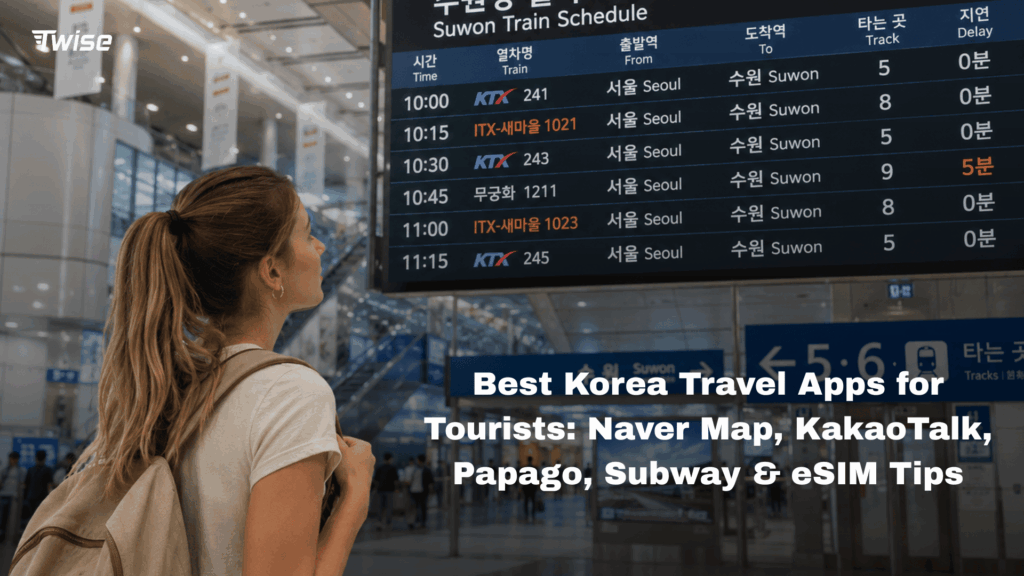
The most useful Korea travel apps cover navigation, translation, public transport, and communication. Start with Naver Map for directions and Papago for Korean translation. Add KakaoMetro for detailed subway planning, KakaoTalk when your contacts use it, and Kakao T if you expect to take taxis. Download your core apps, complete account setup, and save your hotel address before departure. Reliable mobile data helps when checking station exits, translating menus, or contacting accommodation beyond airport Wi-Fi. This guide explains which apps tourists actually need, what to prepare offline, and how to configure travel connectivity before your first journey from the airport.
Best Korea Travel Apps at a Glance
Choose apps around your itinerary. A short Seoul visit needs fewer tools than a trip combining Seoul, Busan, and Jeju.
| App | Best for | Typical tourist use | Connectivity |
| Naver Map | Navigation | Walking, transport, places | Internet for full functionality |
| KakaoMap | Navigation alternative | Local searches and routes | Internet for current information |
| Papago | Translation | Menus, signs, conversations | Some downloaded text translation works offline |
| KakaoMetro | Subway planning | Transfers and station information | Useful for current information |
| KakaoTalk | Messaging | Hosts, contacts, businesses | Internet for messages and calls |
| Kakao T | Taxis | Hotel rides and inconvenient transfers | Internet for requests |
| VISITKOREA | Tourism information | Attractions and planning | Useful for updated content |
Keep Your Korea Apps Connected
You do not need every app. Start with navigation and translation, then add tools for your actual bookings and transport plans.
Naver Map: The Korea Travel App Most Tourists Should Prepare
What Tourists Can Use Naver Map For
Naver Map combines walking directions, public transport, journey estimates, and local place information.
Use it to plan Incheon Airport → Hongdae hotel → café → Gyeongbokgung Palace → dinner in Myeongdong.
Save the correct hotel branch and entrance. In a busy neighborhood, a place name alone may lead to another business with a similar name. Check opening information against the business’s latest notices before making a special journey.
Does Naver Map Work in English?
Yes. Naver Map supports English alongside Korean, Japanese, and Chinese, although individual listings and user-generated content may remain untranslated.
Set your preferred language before departure. If an English search fails, paste the Korean address supplied by your accommodation. Save both versions so you can show the destination to staff or a driver.
Newer Naver Map Features for Foreign Travelers
NAVER introduced passport verification in June 2026, allowing eligible foreign users to access supported bookings, orders, and payments without a Korean mobile number.
This does not mean every merchant accepts every foreign card or booking. Check eligibility inside the official service and submit identification only through its verified process. See NAVER’s passport-verification announcement.
Naver Map vs KakaoMap: Which Is Better for Tourists?
When Naver Map Makes More Sense
Naver Map is a strong first choice for travelers wanting navigation and local place searches together.
Use saved locations to organize each day by neighborhood. Grouping nearby attractions can be more useful than repeatedly searching for the fastest route between widely separated stops.
When KakaoMap Is Worth Having
KakaoMap provides another local option for walking, public transport, driving, and cycling routes.
It can help when a business is difficult to locate or you want a second route suggestion. Compare the destination address carefully rather than assuming two similar search results identify the same entrance.
Should You Download Both?
Not necessarily. Learn one primary map first; keep the other as a backup if useful.
Neither app guarantees that the shortest transfer is comfortable with luggage. Check walking sections and allow extra time at unfamiliar stations.
Papago: Best Korea Travel App for Translation
Use Papago for Text, Camera and Conversation Translation
Papago supports text, image, voice, and conversation translation. Use it to read a notice, ask a short question, or understand a menu description.
Photograph text straight on, avoid reflections, and translate one section at a time. Its developer lists these functions in the official Papago app listing.
For allergies or medical information, use an accurately translated card and seek confirmation. An automatic translation is not a safety guarantee.
Download Offline Translation Before Your Flight
Download supported offline language resources, then test text translation with Wi-Fi and mobile data disabled.
Do not assume camera, voice, and conversation functions also work offline. Save essential phrases separately, including your hotel address and any dietary information.
Papago vs Google Translate in Korea
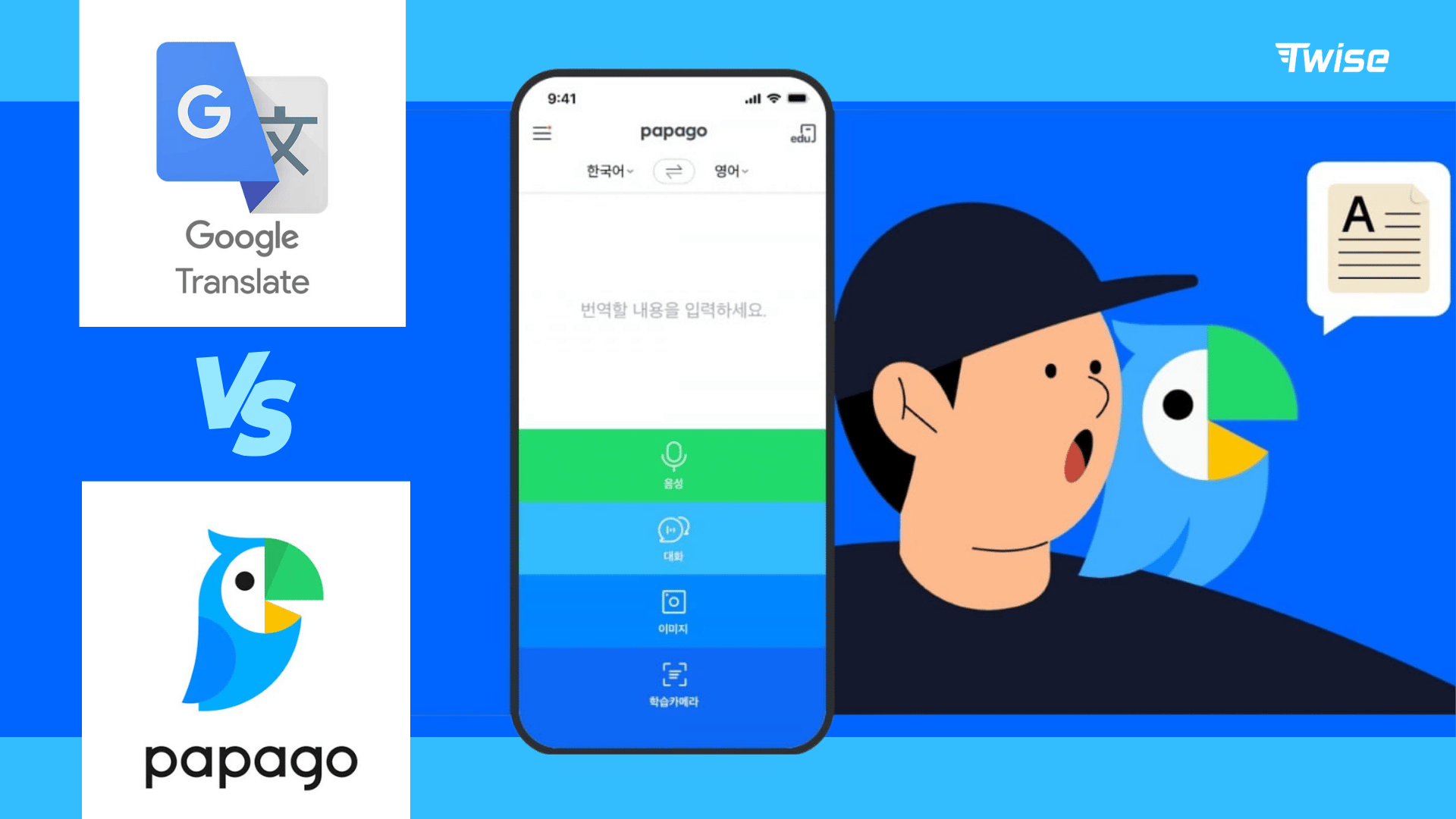
Papago is a practical Korean-language starting point; Google Translate can remain a familiar backup.
If a result looks strange, simplify the original sentence. Agreement between two apps does not prove accuracy, especially with slang, handwritten menus, or specialized terms.
Best Subway Apps for Korea Tourists
Use Naver Map for Everyday Subway Routes
For ordinary journeys, Naver Map may be enough. Enter your destination and review the line, direction, transfer station, and final walking section.
Check the intended departure time, particularly for late-night trips. A daytime search should not be treated as confirmation that the same service runs after dinner.
KakaoMetro for More Detailed Subway Planning
KakaoMetro covers the Seoul metropolitan area, Busan, Daegu, Gwangju, and Daejeon. It offers dedicated subway maps and information useful for transfers and station exits.
Carriage guidance can help position you closer to a transfer passage. However, follow station signs and staff instructions when layouts or operating conditions differ.
A routing app does not itself provide a valid fare or ticket.
Do You Need a Separate Subway App?
It is optional for a straightforward Seoul itinerary. Frequent subway users may appreciate the dedicated network view.
Jeju has no subway, so a metro app contributes little there. Concentrate on bus routes, driving arrangements, or taxis instead. Korea Tourism Organization explains the country’s operating networks in its subway guide.
KakaoTalk: Do Tourists Actually Need It in Korea?
When KakaoTalk Is Useful for Travelers
KakaoTalk is useful when a host, guide, friend, or business prefers it. It supports messaging and internet-based calls, while participating businesses use Channels for customer communication.
Complete registration before departure and send a test message. A data-only eSIM can provide internet access, but does not automatically supply a phone number for account verification.
When You Can Travel Without KakaoTalk
You do not need KakaoTalk simply to visit Korea. Email, WhatsApp, or booking-platform messaging may cover your trip.
Ask your accommodation which channel it monitors. Having the correct contact method matters more than installing every popular messaging app.
Kakao T for Taxis and Airport Transfers
When Kakao T Can Be Useful
Kakao T can help with heavy luggage, late journeys, or the final stretch from a station to your accommodation.
Check account registration, accepted payment methods, and the available ride types before you need a car. Confirm the pickup point, destination, and displayed fees. Airport pickup areas may differ from ordinary street pickups.
Maps and Taxi Apps Need Live Connectivity
A saved address helps you explain a destination, but requesting a ride and receiving updates require connectivity.
Keep your connection active while waiting, and check the assigned vehicle details before boarding. A successful app installation does not guarantee service availability at every location.

Useful Optional Korea Apps Based on Your Trip
VISITKOREA for Official Travel Information
VISITKOREA, operated by Korea Tourism Organization, is useful for destination research and tourism information.
Use it when planning attractions or exploring beyond your main city. Check opening dates, booking requirements, and transport arrangements with the relevant venue before committing to a journey.
Restaurant, Shopping and Reservation Apps
Install a specialist app when a particular restaurant, attraction, or booking requires it.
Check whether it accepts your account, payment card, and verification method. A tourist phone number does not necessarily satisfy Korean identity-verification requirements.
Don’t Download Everything Before You Arrive
Prepare core Korea travel apps before flying, but leave optional downloads for specific needs.
Opening and testing five useful apps is better preparation than installing fifteen that still require registration.
How Much Data Do Korea Travel Apps Use?
Light Usage: Maps, Subway Searches and Messaging
Short route searches, text messages, and basic translations generally consume less data than video.
Map imagery, business photos, and repeated browsing still add usage. Check your phone’s per-app data records rather than assuming navigation is negligible.
Heavier Usage: Image Translation, Social Media and Video
Image uploads can increase consumption, but video calls, streaming, and cloud photo backups may have a larger effect.
Pause automatic backups if you want to preserve data for transport and communication. Hotspot sharing also includes the connected device’s downloads.
Prepare Offline Backups Too
Save hotel addresses in English and Korean, booking confirmations, and screenshots of the first airport transfer.
Keep downloaded translation resources available. These backups help during an interruption, but screenshots cannot reflect live delays or changed platforms.
Can You Travel Korea Using Only Free Wi-Fi?
Yes, with preparation and flexibility, but it is less convenient while moving.
You may have Wi-Fi at Incheon Airport and your hotel, then need fresh directions outside the wrong subway exit. A taxi request or message to your host cannot wait for your next planned café stop.
Prepare offline information, then decide whether Wi-Fi alone suits your itinerary. A travel eSIM is one option for keeping maps, translation, and messaging available between hotspots.
Korea eSIM vs Physical SIM vs Roaming for Travel Apps
| Option | Before-arrival preparation | Home SIM | Collection or swap | Main tradeoff |
| Twise Korea eSIM | Purchase and permitted advance installation | Can remain on compatible Dual SIM phones | Digital installation | Check device and package compatibility |
| Physical Korean SIM | Preorder where available | Depends on available slots | Delivery, collection, or insertion | Useful for phones without eSIM |
| Home-carrier roaming | Review destination package | Remains in use | None | Pricing and allowances vary |
| Pocket Wi-Fi | Usually reserve ahead | Remains installed | Pickup/delivery and often return | Shared range and battery |
Choose according to price, compatibility, trip duration, and actual usage. Digital delivery can remove a SIM-shop visit, while physical SIMs remain practical for other devices.
Check delivery timing and identity requirements for the selected Twise package rather than assuming every plan has identical terms. For onward travel, confirm each country in a suitable regional plan; Korea-only coverage does not automatically extend elsewhere.
Prepare Your Twise Korea eSIM Before Using Your Travel Apps
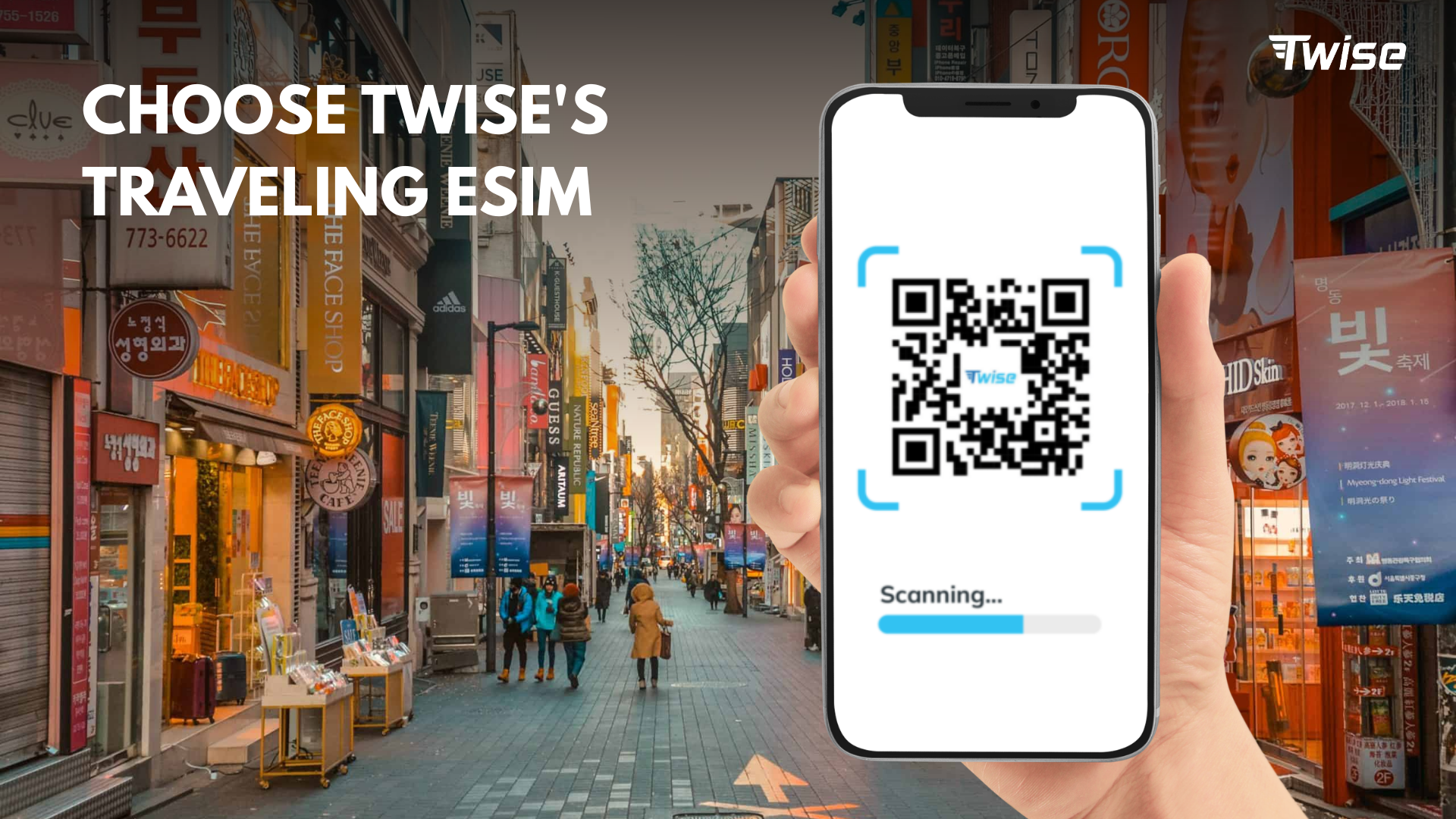
Before Flying to Korea
Confirm eSIM compatibility and carrier-unlock status. On iPhone, check Settings → General → About → Carrier Lock → “No SIM Restrictions.”
Compare data allowance, validity, and hotspot policy. Install over reliable Wi-Fi when permitted and save the instructions.
Read the activation trigger first. Installation can start validity on some plans; switching the line off does not necessarily pause it.
After Landing in Korea
Select the travel eSIM for cellular data. Enable roaming on that line only if instructed.
Keep home-line data roaming off unless intentionally needed, and disable automatic data switching to prevent unintended fallback. Home-line calls or other services may still incur charges.
Test a route search before leaving airport Wi-Fi coverage. If service fails, review setup instructions before deleting the profile.
Korea Travel App Checklist Before Your Flight
- Navigation: Naver Map; KakaoMap if you want a backup.
- Translation: Papago with supported offline resources downloaded.
- Subway: Naver Map; KakaoMetro for dedicated planning.
- Messaging: KakaoTalk if your contacts use it.
- Taxi: Kakao T, with registration and payment checked.
- Tourism: VISITKOREA for optional research.
- Connectivity: Your chosen plan and saved setup instructions.
- Backup: Hotel address in both languages, transfer screenshots, and bookings.
Open each essential app once before departure to catch missing permissions, updates, or verification steps.
Download Your Apps and Get Connected Before Korea
The most useful Korea travel apps form a small, familiar toolkit: navigation, translation, transport, and communication.
Prepare the accounts and offline information before flying. If you need independent mobile data, compare Twise eSIM options with your roaming package and other alternatives. Choose coverage that matches your itinerary, then test connectivity before the first unfamiliar station transfer.

FAQs
Naver Map is a strong starting point for navigation and local places. Pair it with Papago for translation. Add messaging, subway, or taxi apps only when your itinerary needs them.
Yes. English navigation and interface support are available, although some business information remains in Korean. Save your hotel’s Korean address as a backup for searches and directions.
Keep a local mapping option such as Naver Map or KakaoMap for Korean place searches and transport planning. Test the functions you need before departure rather than assuming your usual navigation setup works identically abroad.
No. It is useful when your contacts or booked businesses use it. Otherwise, email or booking-platform messaging may be sufficient. Confirm the preferred communication channel in advance.
Some downloaded resources and offline translation functions work without internet. New taxi requests, messages, and updated transport information need connectivity. Save essential details offline, but do not expect every app feature to remain available.
