

Best Korea eSIM Chuseok Travel: Stay Connected During Holiday Crowds
Aug
A Korea eSIM Chuseok plan helps travelers access maps, train updates, translation, taxi apps, bookings, and family messaging during one of South Korea’s busiest holiday periods. Chuseok brings heavy intercity travel, limited train availability, changed business hours, and crowded transport hubs. This guide explains why mobile data matters, how a travel eSIM works, which data allowance may suit your itinerary, and how to prepare your phone before departure. It also covers KTX reservations, dual-SIM settings, roaming controls, offline backups, and troubleshooting, helping international visitors stay connected without depending entirely on airport, station, hotel, or café Wi-Fi.
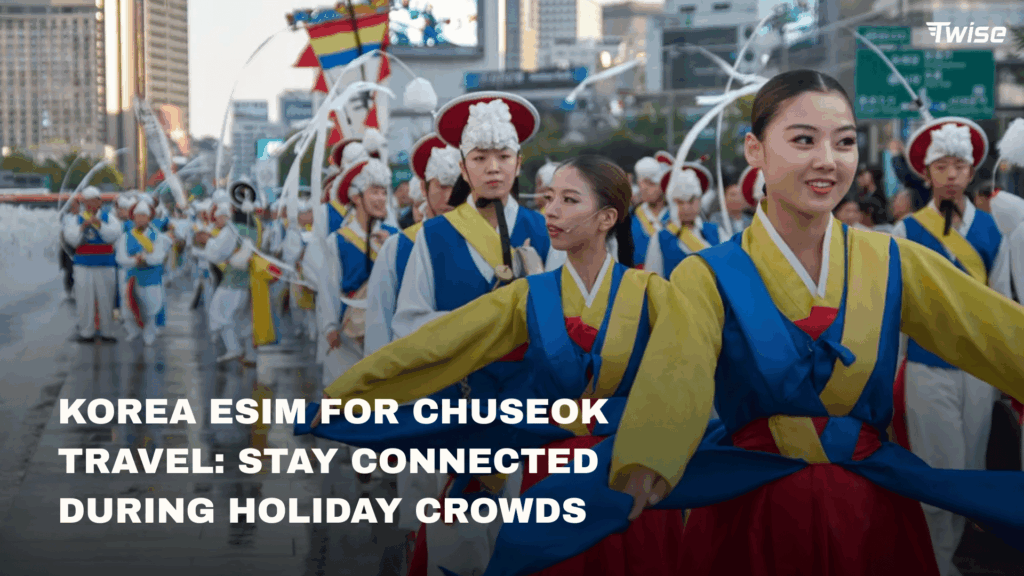
Chuseok is a rewarding time to experience Korean traditions, but it is not an ordinary travel week. Millions of residents travel to visit family, intercity tickets become difficult to secure, some independent businesses close, and operating hours can change.
Why Connectivity is Essential During Chuseok
Reliable mobile data matters during Chuseok because the holiday creates more last-minute travel decisions than an ordinary Korea itinerary.
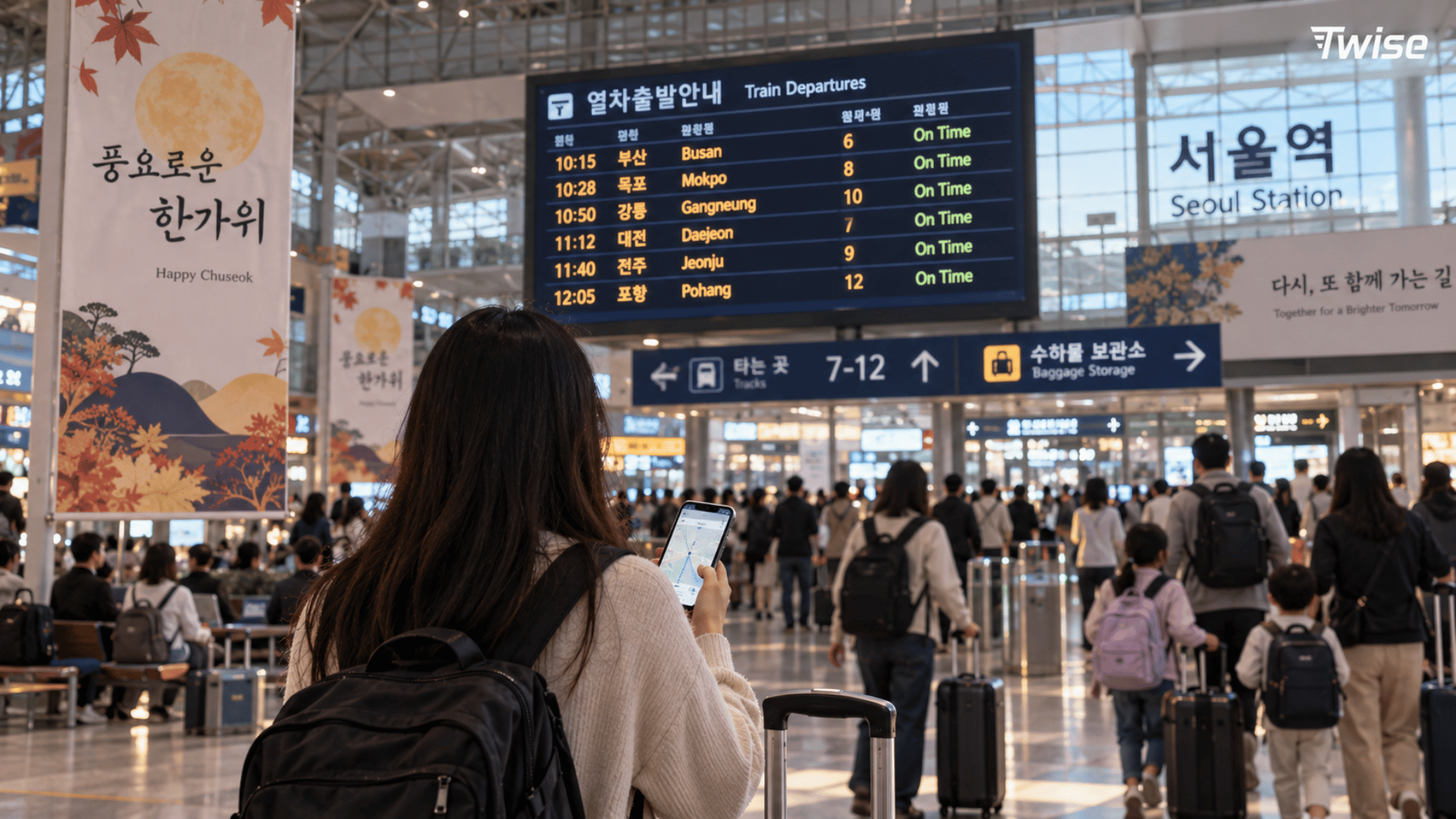
A traveler may land at Incheon International Airport with a confirmed Seoul hotel but no onward train ticket. Another may discover that a planned restaurant is closed or that a bus route is delayed by road traffic. In those moments, connectivity supports an immediate alternative rather than a return to the hotel for Wi-Fi.
Mobile data is particularly useful for:
- Checking KTX, SRT, express bus, and domestic flight information
- Navigating Seoul, Busan, Gyeongju, Jeonju, or Jeju
- Finding the correct subway exit or bus stop
- Using NAVER Map, KakaoMap, Kakao T, or k.ride
- Translating notices and menus with Papago
- Confirming attraction and restaurant opening hours
- Retrieving booking confirmations and QR tickets
- Messaging hotels, hosts, tour operators, and family
- Searching for an alternative when a venue is closed
- Monitoring weather before hiking or outdoor activities
The Korea Tourism Organization’s public-holiday calendar confirms that Chuseok is one of Korea’s most important traditional holidays. Families travel across the country to gather and observe ancestral traditions, which places unusual pressure on railways, expressways, terminals, and airports.
Where connectivity matters most
| Chuseok travel moment | How mobile data helps |
| Airport arrival | Find transport, hotel directions, and current schedules |
| Railway station | Retrieve tickets and confirm platform information |
| Intercity journey | Monitor changes and contact accommodation |
| Closed restaurant | Search for an open alternative nearby |
| Subway transfer | Check the correct line, direction, and exit |
| Taxi pickup | Track the driver and confirm the destination |
| Tourist attraction | Verify holiday hours and ticket conditions |
| Family update | Use internet messaging or video calls |
| Unexpected delay | Rearrange bookings and identify alternatives |
Free Wi-Fi remains helpful at airports, hotels, cafés, and selected public facilities. It is less dependable while walking between a station and accommodation, waiting at an unfamiliar bus stop, or attempting to request a taxi after a late arrival.
What is an eSIM and Why Should You Choose One?
An eSIM is a digital SIM profile installed on a compatible phone. It can provide mobile service without requiring the user to remove the existing physical SIM card.
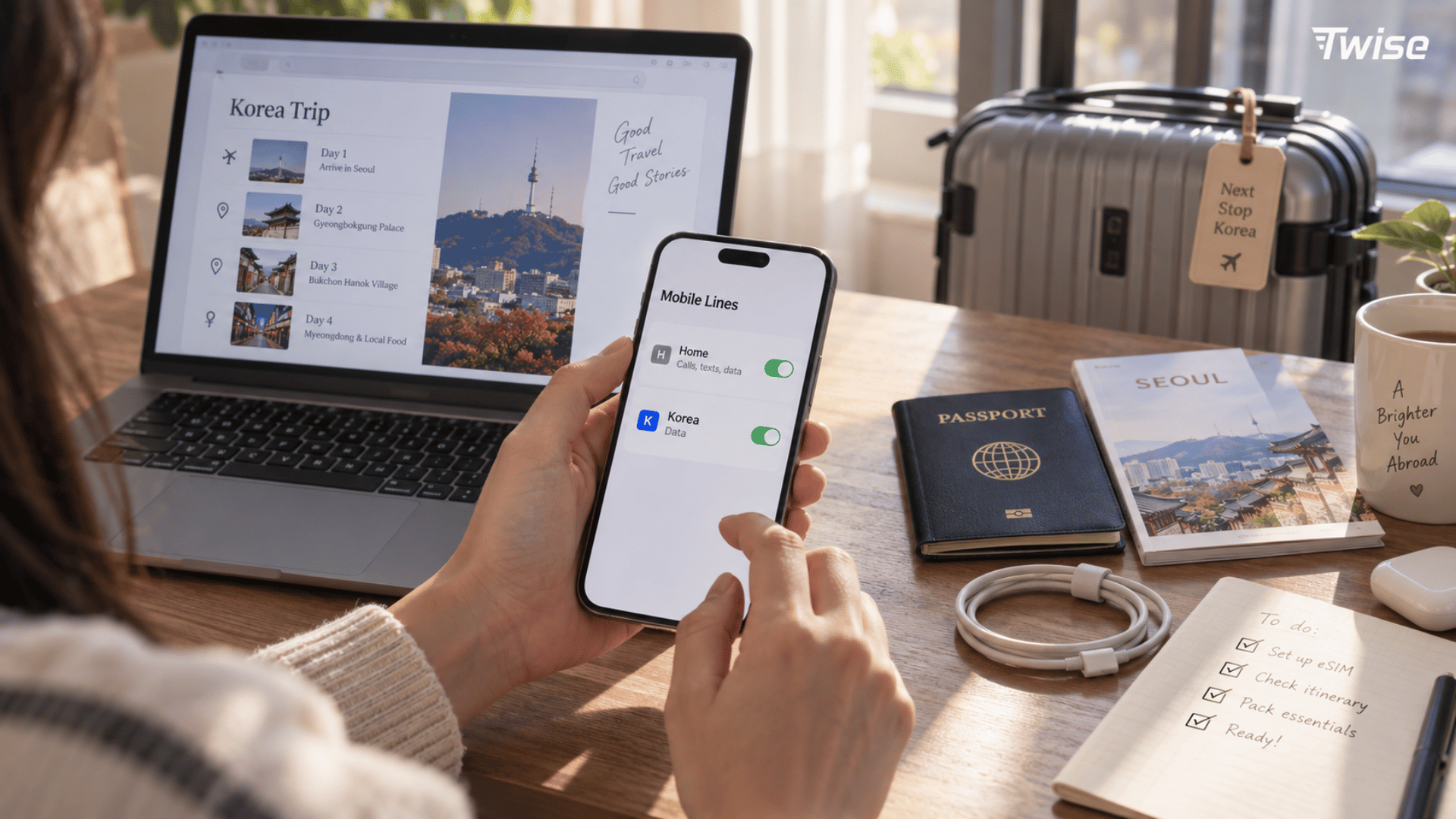
For Chuseok travel, the main operational benefit is preparation. Travelers can purchase and install a travel eSIM over reliable Wi-Fi before departure, then configure it for mobile data after reaching Korea according to the plan’s activation instructions.
On compatible dual-SIM phones, this arrangement can let you:
- Use the Korea line for mobile data
- Keep the home SIM installed
- Continue receiving home-number messages when roaming permits
- Separate travel data from the home carrier
- Avoid carrying a portable Wi-Fi device
- Skip airport SIM-counter queues
Installation and activation are not always the same event. Some plans begin when installed, while others begin when they first connect to a supported Korean network. Read the validity rule before scanning the QR code.
A data-only eSIM normally does not provide a Korean 010 telephone number, conventional calls, or SMS. Calls through WhatsApp, FaceTime, Messenger, KakaoTalk, and similar services use data and remain available when both parties use a compatible platform.
Check compatibility before buying
Your phone should be both eSIM-compatible and carrier-unlocked. On an iPhone, open:
Settings → General → About → Carrier Lock
The status should read:
No SIM Restrictions
You should also see Add eSIM under Settings → Cellular or Mobile Service.
On Android, menu names vary. Look for Add eSIM, Download SIM, or SIM Manager, then confirm compatibility using the complete model number and original sales region.
Twise Korea eSIM Chuseok : Your Ideal Travel Companion
Twise offers Korea data options for travelers who want mobile connectivity prepared before arrival. The plan is delivered digitally, so there is no physical SIM to collect or return.
This can be useful during Chuseok when airport service counters, transport desks, and city stores may be busier than usual. Having the profile installed before departure lets you focus on connecting the line rather than beginning the entire purchase process after landing.
A practical pre-flight sequence is:
- Confirm that the phone supports eSIM.
- Verify that the device is carrier-unlocked.
- Estimate the data needed for the full trip.
- Check plan validity and activation conditions.
- Review hotspot and top-up policies.
- Purchase the plan over a secure connection.
- Save the QR code and installation details.
- Install the profile using stable Wi-Fi.
- Label the line Korea Travel.
- Keep the setup instructions available offline.
Do not activate a plan early without first understanding its validity trigger. If validity starts upon installation, scanning the code several days before the flight may reduce the usable period in Korea.
Configure dual-SIM settings carefully
After landing, select the Korea line for cellular data. Disable data roaming on the home line and turn off automatic cellular-data switching unless you intentionally want the phone to use home-carrier roaming.
If the travel plan requires Data Roaming, enable it only on the Korea line. This setting allows the plan to connect to its supported Korean network and does not mean the home SIM must roam.
Keeping the home SIM active may still create charges for calls, voicemail, or carrier services. Review your home carrier’s rules before departure.
Flexible Connectivity for Every Traveler
The right data allowance depends more on behavior than destination. Two travelers following the same Seoul and Busan itinerary may use very different amounts of data.
A visitor using maps, occasional translation, and messaging will usually consume less than someone uploading videos, making long video calls, sharing a hotspot, or backing up photographs to the cloud.
Table: Highlights of Twise eSIM for South Korea
| Feature | Practical Chuseok value |
| Digital installation | Prepare before crowded arrival periods |
| Data available after connection | Use maps and transport tools beyond airport Wi-Fi |
| Dual-SIM compatibility | Keep the home line installed on supported phones |
| Multiple data formats | Match the plan to trip length and usage |
| Hotspot availability | Share data when the selected plan permits it |
| No physical collection | Avoid SIM pickup and return procedures |
| Data-only options | Support maps, translation, apps, and internet messaging |
| Saved digital instructions | Troubleshoot without searching for paperwork |
Check the individual product description before purchasing. Data allowance, validity, network, activation trigger, hotspot support, and top-up availability may vary by plan.
Choose data by travel behavior
Light use may include:
- NAVER Map route searches
- Subway and bus checks
- Text messaging
- Occasional Papago translation
- Email and booking retrieval
Moderate use may include:
- Navigation throughout the day
- Frequent taxi requests
- Image translation
- Social-media browsing
- Short audio or video calls
- Regular photo uploads
Heavy use may include:
- Long video calls
- Streaming
- Frequent short-video uploads
- Cloud photo backup
- Laptop or tablet tethering
- Sharing data with another traveler
Avoid assuming that a specific daily allowance works for everyone. Compare your expected use against the entire trip length and leave a reasonable buffer for disrupted Chuseok plans.
Tips for Using eSIM During Chuseok
Book intercity transport before building the itinerary
KTX seats can sell quickly during Chuseok. Do not reserve accommodation in several cities and assume rail tickets will remain available at normal booking patterns.
Check the current holiday-sales notice on the official Twise website. Holiday reservation procedures and sales windows can differ from ordinary train bookings.
If your preferred train is unavailable:
- Search earlier or later departures
- Check alternative travel dates
- Consider an express bus while accounting for traffic
- Review domestic flights for longer routes
- Stay in one city during the busiest period
- Avoid buying tickets from unofficial resellers
The Korea Tourism Organization also provides an English-language overview o
Confirm holiday opening hours directly
Some palaces, museums, malls, markets, restaurants, and attractions remain open, while others close or operate shorter hours. The situation differs by venue and sometimes by individual day of the holiday.
Check:
- The venue’s official website
- Recent NAVER Map notices
- Last admission time
- Restaurant break and last-order times
- Holiday-specific reservation requirements
- Public transport needed for the return journey
Save one alternative in the same neighborhood. Replacing a closed restaurant nearby is more efficient than crossing Seoul or Busan for another famous venue.
Prepare local travel apps
Install the essential apps before flying:
- NAVER Map or KakaoMap: Local navigation and place searches
- Papago: Korean text, image, and conversation translation
- Kakao T or k.ride: Taxi requests and driver coordination
- KORAIL: Rail information and reservations
- KakaoTalk or another messenger: Communication
- Weather app: Outdoor planning
App availability does not guarantee that every feature accepts a foreign account, telephone number, or payment card. Complete registration and payment setup before you need the service urgently.
Save essential information offline
Mobile data improves travel, but it should not be the only copy of critical details. Save:
- Hotel name and address in Korean
- Booking confirmations
- Train or flight information
- Passport and insurance details
- Attraction tickets
- First airport-to-hotel route
- Emergency contact information
- Provider setup instructions
- A screenshot of your installed eSIM label
Protect your battery during long travel days
Crowded stations, delayed buses, navigation, and translation can keep the screen active for hours.
Carry a charged power bank and cable. Reduce screen brightness, disable unnecessary background refresh, pause cloud uploads, and use Low Power Mode when needed.
Battery capacity matters more than the small difference between using an eSIM and a physical SIM. Weak signal, continuous navigation, hotspot use, and video uploads are more likely to cause noticeable drain.
Test the line before leaving the airport
After arrival:
- Turn on the Korea eSIM.
- Select it for cellular data.
- Configure Data Roaming according to the provider’s instructions.
- Turn off cellular-data switching.
- Confirm that a Korean network appears.
- Open a webpage.
- Test NAVER Map or Papago.
- Keep airport Wi-Fi available until the test succeeds.
If the line does not connect, restart the phone and recheck the selected data line, roaming setting, APN instructions, and plan activation area.
Do not delete the profile as the first troubleshooting action. Some QR codes can be installed only once, and deleting the eSIM may require support to issue a replacement.
Frequently Asked Questions
The official Chuseok holiday runs from September 24 to 26, 2026. Chuseok Day is September 25. Because the festival follows the lunar calendar, dates change each year.
Mobile data is not legally required, but it is highly practical. It supports navigation, timetable checks, translation, taxi requests, booking access, and alternative planning when businesses change their hours.
Buying before departure can reduce arrival-day work and remove the need to visit a SIM counter. Confirm device compatibility, activation timing, validity, and data allowance before purchasing.
It should connect after the phone reaches a supported network and the correct settings are enabled. Actual activation depends on the plan, coverage, device, and installation status.
No. A data-only plan normally does not include conventional calls, SMS, or a Korean 010 number. Internet-based calls and messages still work through compatible apps.
Yes, if the phone supports dual-SIM operation. Use the travel line for data and disable roaming on the home line. The home carrier may still charge for calls, voicemail, or other services.
Public Wi-Fi can reduce data consumption, but it is not always available between stations, at bus stops, inside taxis, or while searching for a changed destination.
It depends on trip length and behavior. Maps and text messaging are relatively light. Video calls, streaming, hotspot sharing, cloud backup, and social-media uploads use substantially more data.
Check that the line is enabled, selected for cellular data, and configured with the required roaming or APN settings. Toggle airplane mode, restart the phone, and contact support if needed. Do not delete the profile first.
No. An eSIM only provides connectivity. It can help you check availability, retrieve reservations, and research alternatives, but it cannot create seats on a sold-out train.
