

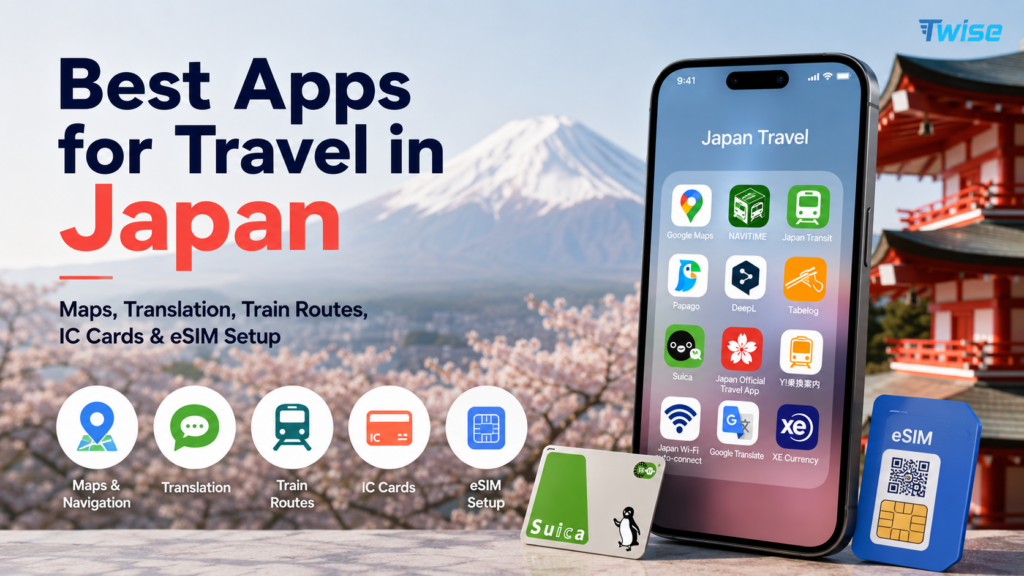
Best Apps for Travel in Japan: Maps, Translation, Train Routes, IC Cards & eSIM Setup
Jul
The best apps for travel in Japan solve different problems: Visit Japan Web supports arrival procedures, Google Maps handles daily routes, NAVITIME improves rail planning, SmartEX books eligible Shinkansen services, and Suica or PASMO simplifies local payments. Translation, taxi, restaurant, and safety apps become especially valuable when a station exit changes, a menu has no English, or your hotel is difficult to explain. Download, verify, and save key details before flying. This guide shows international travelers which apps to use, what works offline, and how mobile data keeps the full Japan travel app stack usable after landing without arrival friction.
Quick Answer: What Apps Should You Download Before Traveling to Japan?
Use one tool for each job rather than expecting a single super-app to manage Japan. The strongest first-time setup combines arrival access, daily navigation, train planning, translation, local payment, taxi backup, safety alerts, and reliable mobile data.
Essential Japan travel app stack
| Need | Recommended app/setup |
| Arrival procedures | Visit Japan Web |
| Daily navigation | Google Maps |
| Train planning | Japan Travel by NAVITIME |
| Translation | Google Translate / Google Lens / DeepL |
| Local transit payment | Suica / PASMO / ICOCA |
| Shinkansen booking | SmartEX for eligible routes |
| Taxi | GO Taxi / Uber as backup in some areas |
| Food discovery | Google Maps / Tabelog / Gurunavi |
| Safety alerts | Safety Tips / NERV / JMA weather |
| Mobile data | Twise eSIM setup |
Download before arrival, not at the airport
Airport Wi-Fi can be crowded, battery levels may already be low, and account creation can trigger email, SMS, card, or identity verification. You may also need a map before leaving the terminal. Install apps, sign in, add payment details, and save essential addresses while you still have stable home Wi-Fi.
The practical rule
The best apps for travel in Japan include Visit Japan Web for arrival procedures, Google Maps for navigation, Japan Travel by NAVITIME for train planning, Google Translate for menus and signs, SmartEX for eligible Shinkansen routes, Suica/PASMO/ICOCA for transit payments, GO Taxi for taxis, Safety Tips for alerts, and a travel eSIM for data.
If an app involves identity, payment, train booking, ticket access, account verification, or offline downloads, set it up before the flight. Apps used only for casual browsing can wait, but the tools needed during the first airport-to-hotel journey should already be working.
Visit Japan Web: Arrival Procedures Before You Fly
What Visit Japan Web does
The official Visit Japan Web service supports online preparation for immigration and customs procedures, and it can also support eligible tax-free shopping procedures. Travelers register information before arrival and present the relevant 2D code during entry.
Why first-time travelers should set it up early
Creating the account and entering passport, flight, and accommodation details is easier before travel than while standing near immigration with limited Wi-Fi. Early setup also gives you time to correct name, document, or itinerary details rather than discovering the problem after landing.
What to prepare
- Passport details and the passport itself for verification.
- Flight number, arrival airport, and entry date.
- Accommodation name and Japanese address.
- Customs declaration information.
- Login email and password.
- The correct 2D code ready to display on your phone.
- Offline notes or screenshots where appropriate, while remembering some tax-free functions require the live code.
Mobile data tip
Even when Visit Japan Web is prepared early, mobile data helps if you need to sign in again, reopen the procedure page, recover a QR view, message the hotel, or compare airport transfer routes. Keep the login details accessible without storing sensitive information in an unsecured shared note.
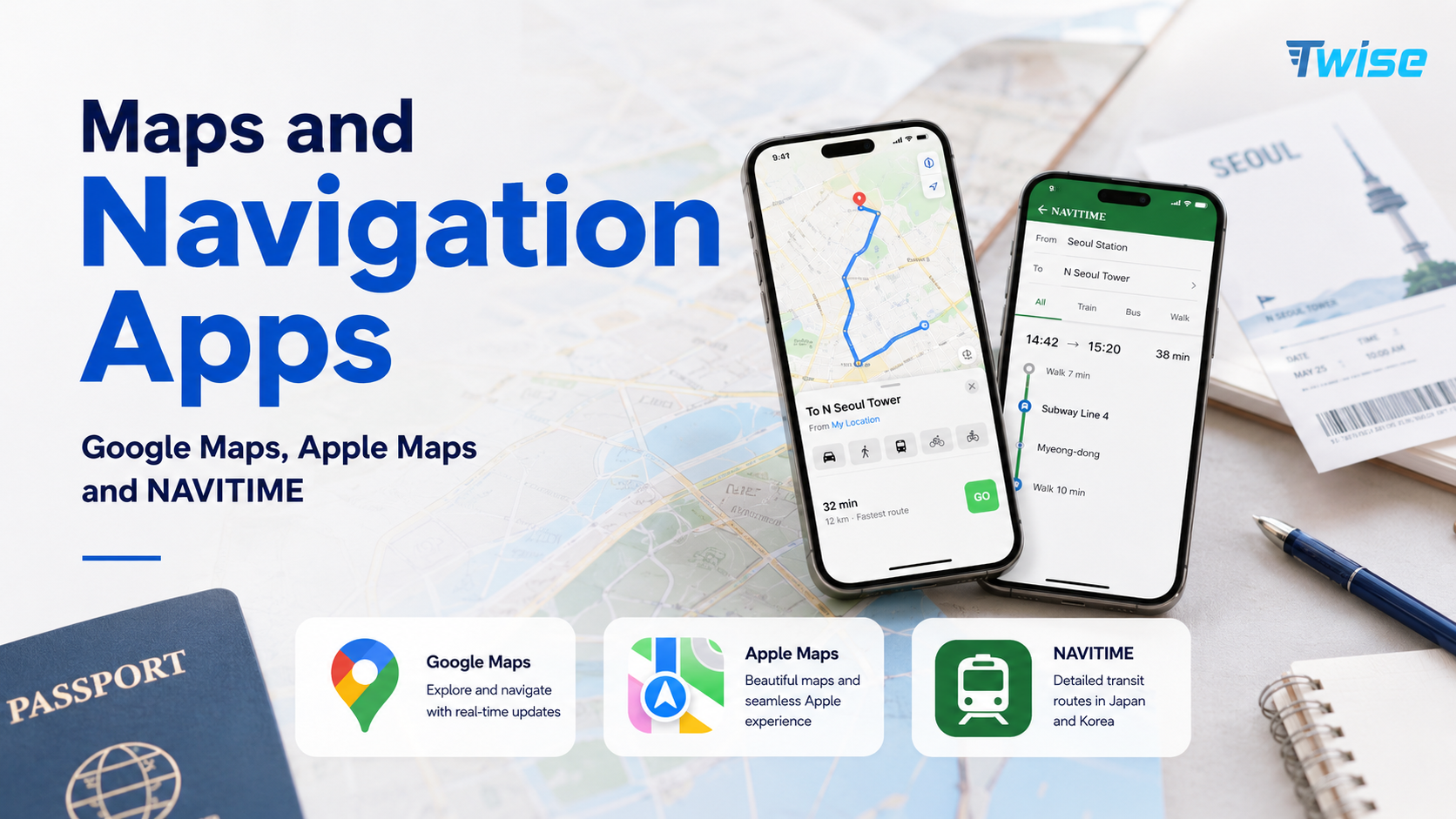
Maps and Navigation Apps: Google Maps, Apple Maps and NAVITIME
Google Maps as the daily navigation base
Google Maps is the easiest daily base for most international visitors. It combines walking directions, train and subway routes, station exits, restaurant discovery, hotel directions, attraction pins, convenience stores, and nearby pharmacies. Check the exact train type and platform instead of following only the line color.
Japan Travel by NAVITIME for rail planning
Use NAVITIME when the itinerary becomes train-heavy. It is helpful for Japan-specific route comparison, platform details, pass-aware planning, multi-city connections, and alternatives when a route is delayed. It can also reveal that the fastest route is not the simplest route when luggage or tight transfers are involved.
Apple Maps for iPhone users
Apple Maps can be a useful backup for walking and driving, especially for travelers who prefer Apple Watch or CarPlay integration. Keep Google Maps or NAVITIME available for cross-checking complex rail journeys, station exits, and regional connections.
Why one map app is not enough
Google Maps is the best base navigation app for most Japan travelers, while Japan Travel by NAVITIME is useful for train-heavy routes, rail-pass filtering, and detailed public transport planning. Use both if your trip includes Tokyo, Kyoto, Osaka, regional rail, or Shinkansen connections.
Use Google Maps as the base, NAVITIME for rail-heavy planning, and offline screenshots for low-signal moments. One app may identify the correct building while another gives a better station transfer. Saving the hotel in Japanese also makes taxi and staff assistance easier.
Train Route and Shinkansen Apps: SmartEX, NAVITIME and JR Tools
What SmartEX is for
The official SmartEX service is designed for online reservations on the Tokaido, Sanyo, and Kyushu Shinkansen. It covers the major Golden Route corridor from Tokyo through Nagoya, Kyoto, Osaka, Hiroshima, Hakata, Kumamoto, and other eligible stations.
When SmartEX is useful
- Tokyo to Kyoto or Osaka.
- Tokyo to Nagoya.
- Osaka to Hiroshima.
- Hiroshima to Hakata.
- Eligible Kyushu Shinkansen routes.
- Trips where a reserved seat, luggage consideration, or peak-period booking matters.
When SmartEX is not enough
SmartEX is not a universal booking app for every railway in Japan. It is not the main tool for local subways, JR East-only Shinkansen routes, Hokkaido or Tohoku planning, all JR Pass workflows, or private regional railways. Use the correct JR operator tools or ticket channels for routes outside its service area.
NAVITIME for route comparison
Use NAVITIME or Google Maps to compare the full door-to-door journey before buying a Shinkansen ticket. The fastest train may require a difficult transfer, while a slightly slower option may depart from a more convenient station or fit hotel check-in better.
Train day checklist
- Ticket, QR code, or reservation reference saved.
- Correct station name and Shinkansen terminal confirmed.
- Platform and departure time checked.
- Route to the station loaded before leaving the hotel.
- IC card, paper ticket, cash, or bank-card backup ready.
- Hotel address saved in Japanese.
- Mobile data working and power bank available.
IC Cards and Payments: Suica, PASMO, ICOCA and Mobile Wallets
What IC cards do
- Tap through many train and subway gates.
- Pay on participating buses.
- Buy drinks from compatible vending machines.
- Pay at many convenience stores.
- Use compatible lockers and selected shops or restaurants.
iPhone setup
Many iPhone users can add Suica or PASMO through Apple Wallet, then fund the card with an eligible payment method. Complete setup before a busy station transfer, and test whether the bank card accepts the top-up. Availability and payment compatibility can vary by device, region, and card issuer.
Android setup
Overseas Android support can vary because mobile IC cards may depend on device hardware and regional specifications. Do not assume that an Android phone supporting contactless payments at home can create a Japanese mobile IC card. A physical Suica, PASMO, or ICOCA-style card may be simpler.
What to do if mobile IC setup fails
- Buy an available physical IC card.
- Use a paper ticket from a station machine.
- Keep cash and an international card as backup.
- Ask station staff which machine or ticket type fits the route.
- Do not keep retrying top-ups while a train departure is approaching.
IC card vs Shinkansen ticket
An IC card is mainly a stored-value transit and small-payment tool. It is not automatically a reserved Shinkansen ticket. Some booking systems let you link an IC card to a separate reservation, but the reservation still needs to exist and the linked card must be the correct one.
Translation Apps: Menus, Signs, Labels and Hotel Messages
Google Translate and Google Lens
Use camera translation for menus, station signs, food labels, ticket machines, hotel instructions, medicine packaging, and shop notices. Hold the camera steady and compare several lines rather than trusting one isolated translated word.
DeepL for natural sentences
DeepL can be useful for drafting longer, more natural written messages to a hotel, host, or service desk. Review names, times, dates, and addresses manually because translation quality does not guarantee that operational details remain correct.
Camera translation vs saved phrases
Camera translation is strongest when text is visible in front of you. Saved phrases are better for taxis, hotels, dietary questions, or staff conversations. Store short phrases such as “I have a reservation,” “Please take me to this address,” and “Does this contain peanuts?”
Offline language packs
Download Japanese language resources before departure where the app supports them. Offline translation is a useful fallback in tunnels, rural areas, or after a data limit is reached, although camera and conversational features may work better online.
Translation friction
Machine translation can miss politeness, context, and ingredient nuance. Use short sentences, avoid idioms, and show the Japanese address, image, booking reference, or product label when possible. For allergies, carry a professionally translated card rather than relying only on live translation.
Food, Restaurant and Shopping Apps
Google Maps for easiest restaurant discovery
Google Maps is easiest for first-time visitors who want photos, English-language reviews, opening hours, price clues, and nearby choices. Verify the most recent opening information because small restaurants can close early, take irregular days off, or stop accepting customers before the stated closing time.
Tabelog for local food research
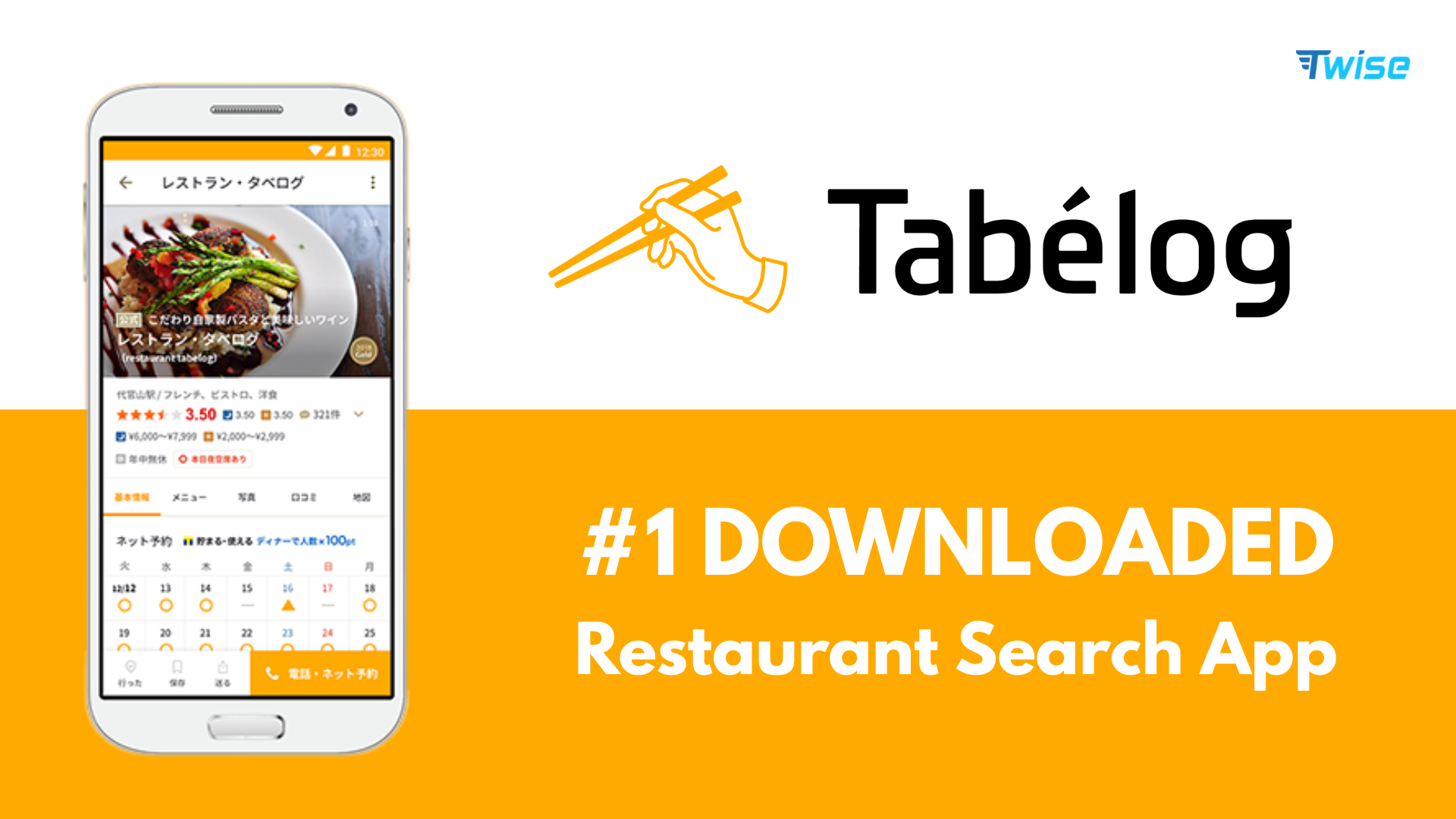
Tabelog adds local restaurant depth, but its rating culture differs from many global platforms. A score that appears modest can still represent a respected restaurant. Use it alongside recent photos, menu information, reservation rules, and location details rather than filtering only by the highest number.
Gurunavi and reservation platforms
Gurunavi and other booking platforms can help with restaurant discovery and reservations, but some flows may request Japanese contact details or have limited foreign-card support. Keep the restaurant name, date, time, party size, and confirmation screenshot ready.
Payke and shopping translation
Payke can help travelers scan supported product barcodes and view translated descriptions. It is useful for cosmetics, snacks, household products, and drugstore shopping, but the app should not replace professional advice for medicine, allergens, or regulated products.
Practical restaurant setup
- Restaurant name and address in Japanese.
- Nearest station and correct exit.
- Reservation screenshot and booking name.
- Dietary or allergy phrase.
- Translation app ready.
- Cash and card backup.
Taxi, Luggage and Convenience Apps
GO Taxi
GO Taxi is widely used for hailing taxis and becomes valuable when trains are inconvenient, rain is heavy, luggage is difficult, or the last practical connection has passed. Registration and payment options can vary for international users, so test the account before depending on it late at night.
Uber as backup
Uber can work in some cities and may dispatch licensed taxis, but availability and coverage differ by area. Keep GO Taxi, a station taxi rank, the hotel desk, and a Japanese address as alternatives rather than treating Uber as universal.
Luggage storage apps
Services such as ecbo cloak can help reserve luggage storage at participating shops, cafés, and facilities when hotel check-in is later than arrival. Check operating hours, bag-size limits, cancellation rules, and whether the storage point is inside or outside a ticketed station area.
What to prepare before taxi use
- Hotel or destination address in Japanese.
- Map pin and entrance screenshot.
- Working mobile data.
- Payment method and cash backup.
- Translation app.
- Number and size of luggage items.
Weather, Earthquake and Emergency Apps
Safety Tips app
JNTO’s official Safety Tips app information explains that the push-enabled app provides multilingual alerts for earthquake early warnings, tsunami warnings, and other weather warnings in Japan. It also includes emergency guidance, useful phrases, and links to disaster information.
NERV and JMA weather tools
NERV and Japan Meteorological Agency tools can add detailed earthquake, typhoon, heavy-rain, heat, and weather context. Use official alerts as the source of truth, then follow instructions from local authorities, transport operators, and accommodation staff.
When alerts matter most
- Typhoon season and heavy-rain periods.
- Mountain hikes and rural drives.
- Ferry or island travel.
- Theme-park days with outdoor queues.
- Shinkansen or regional rail disruption.
- Late-night travel when alternative transport is limited.
Notification setup
Set the app language, location or region, and notification permissions before travel. Do not silence critical alerts because routine notifications feel excessive. Keep the phone charged and check the transport operator’s official status page when an alert may affect a route.
iPhone vs Android: Japan App Setup Differences
iPhone traveler setup
- Apple Wallet Suica or PASMO where available.
- Google Maps and Japan Travel by NAVITIME.
- Visit Japan Web access.
- SmartEX if the route is eligible.
- Translation tools and Safety Tips.
- eSIM setup and Apple Pay/card backup.
Android traveler setup
- Check eSIM compatibility and carrier-unlock status.
- Prepare a physical IC card option.
- Install Google Maps, NAVITIME, and translation tools.
- Prepare SmartEX or the relevant JR booking method if needed.
- Keep physical payment and cash backup.
Both device types need backups
- Charged power bank and cable.
- Hotel name and address offline.
- Screenshots of tickets, pickup points, and QR codes.
- Physical card and some cash.
- Travel eSIM setup instructions saved offline.
Offline Prep vs Live Mobile Data: What Works Without Internet?
| App/task | Offline useful? | Live data needed for |
| Google Maps | Partly | Live route changes, train updates, current searches. |
| NAVITIME | Limited | Route updates, disruption-aware planning, new searches. |
| Google Translate | Partly | Camera and online translation improvements. |
| Visit Japan Web | Saved access helps | Login, QR recovery, and account changes. |
| SmartEX | Ticket screenshot helps | Changes, recovery, and current train status. |
| IC card | Yes at gates | Top-up or payment troubleshooting. |
| GO Taxi | No | Booking, location, and driver communication. |
| Safety Tips | Limited | Real-time alerts and updated guidance. |
| Hotel messages | No | Check-in changes and support. |
Offline preparation is backup, not full connectivity
Screenshots, saved addresses, language packs, and downloaded maps help when signal drops. They do not replace live data for changed train platforms, taxi pickup, ticket recovery, restaurant queues, hotel messages, or emergency alerts.
When mobile data matters most
Mobile data matters most during airport arrival, unfamiliar station transfers, taxi booking, live translation, hotel communication, train delays, and emergencies. These are precisely the moments when public Wi-Fi is least dependable because you are moving rather than sitting inside a hotel or café.
Where Twise eSIM Fits: Keeping Japan Travel Apps Working
Japan apps depend on live mobile data
Maps need current routes, taxi apps need location and driver messages, translation improves online, and ticket apps may need live recovery or changes. Mobile data turns the app list into a functioning travel system rather than a collection of icons installed on the phone.
Twise positioning
A Twise eSIM is useful for first-time Japan travelers who want data ready after landing for maps, translation, train routes, Shinkansen ticket access, hotel messages, taxi apps, and emergency alerts. Choose a plan around trip length, expected usage, hotspot needs, and the network or data structure shown on the product page.
Pair eSIM with offline preparation
- Install the eSIM before departure if the activation rules allow.
- Save the setup guide and QR details securely.
- Download the key travel apps.
- Save the hotel name and address in Japanese.
- Prepare the IC card or physical payment backup.
- Test mobile data after landing before leaving airport Wi-Fi.
Suggested internal links
Use Twise resources to confirm device compatibility, installation timing, data requirements, and setup steps before departure. This prevents the two most common avoidable problems: purchasing for an incompatible or carrier-locked phone, and arriving without the instructions needed to activate the plan.
First 90 Minutes in Japan: App Checklist After Landing

Before leaving airport Wi-Fi
- Confirm the eSIM or mobile data works with Wi-Fi turned off.
- Open the Visit Japan Web code or account page.
- Check that Google Maps loads the hotel route.
- Confirm the hotel name and address are saved in Japanese.
- Load the airport train, bus, taxi, or transfer instructions.
- Prepare the IC card or ticket-payment plan.
- Test the translation app.
- Message family or the hotel if needed.
Airport-to-hotel decision
Choose the train when it serves the hotel area efficiently, the airport bus when it reduces luggage transfers, and a taxi or private transfer when arrival is late, the group is large, or the hotel is awkward from public transport. The cheapest fare is not always the easiest first journey.
If something fails
If the eSIM fails, stay on airport Wi-Fi while checking the active data line, roaming requirement, or support guide. If the IC card fails, use a ticket machine, staffed counter, or cash. If map search fails, show the hotel address in Japanese and use the airport information desk.
15-Minute Japan App Setup Checklist Before Departure
- Set up Visit Japan Web.
- Install Google Maps.
- Install Japan Travel by NAVITIME.
- Install Google Translate and download Japanese resources.
- Install SmartEX if using the Tokaido, Sanyo, or Kyushu Shinkansen.
- Prepare a Suica, PASMO, or ICOCA plan.
- Install GO Taxi if needed.
- Install Safety Tips.
- Save the hotel name and address in Japanese.
- Save the airport-to-hotel route.
- Screenshot key tickets, QR codes, and pickup points.
- Check eSIM compatibility and carrier-unlock status.
- Install the travel eSIM if the activation rules allow.
- Pack a power bank.
- Keep payment-card and cash backup.
Final Decision Guide: Which Japan Travel Apps Do You Really Need?
Minimum app stack for first-time visitors
Start with Visit Japan Web, Google Maps, Google Translate, an IC-card plan, Safety Tips, and Twise setup. This covers arrival, daily navigation, language, local transit payment, safety alerts, and mobile data without overloading the phone.
Add these if taking Shinkansen
Add SmartEX for eligible Tokaido, Sanyo, and Kyushu Shinkansen routes, NAVITIME for route comparison, and offline ticket screenshots. Use the relevant JR operator tools when your route falls outside SmartEX coverage.
Add these if food-focused
Add Google Maps, Tabelog, a translation app, and reservation screenshots. Save dietary phrases, opening hours, the Japanese restaurant name, and the nearest station exit before walking into a dense dining district.
Add these if using taxis or traveling with luggage
Add GO Taxi, the hotel address in Japanese, a translation app, and reliable mobile data. Keep Uber, a taxi stand, the hotel desk, and a map screenshot as backups.
Add Twise eSIM if…
You want maps, translation, train routes, hotel messages, taxi apps, ticket access, and alerts to work immediately after landing. Combine live data with saved routes, offline addresses, and a power bank rather than depending on connectivity alone.

FAQs About Apps for Travel in Japan
