

Best Travel Adapter for Japan: Plug Type, Voltage, USB-C Chargers & What Tourists Need
Sep
A travel adapter for Japan is usually needed when your charger does not have two flat, parallel pins. Japan mainly uses Type A outlets and supplies 100V electricity, with 50Hz in the east and 60Hz in the west. Most modern phone, laptop, camera, and USB-C chargers accept 100–240V, so they usually need only a compatible plug adapter, not a voltage converter. Always check the input label before plugging in. Travelers with grounded plugs or single-voltage appliances need additional checks. Prepare your charging setup and mobile data before departure so maps, train information, and hotel messages remain accessible after you land.
Do You Need a Travel Adapter for Japan?
Check the plug attached to your charger, not just the country where you bought your phone. Imported devices and replacement chargers may have different plugs.
A travel adapter for Japan solves a physical connection problem. It does not automatically make an electrical appliance suitable for Japanese power.
If You Are Traveling From the United States or Canada
Many two-flat-pin North American chargers fit Japanese outlets without an adapter. However, check that the charger’s input range includes 100V.
Three-prong plugs need a suitable grounded connection. Some polarized plugs, with one blade wider than the other, may not fit certain outlets. Never force a plug into place or modify its pins.
If You Are Traveling From the UK, Europe, Australia or New Zealand
You will generally need an adapter:
- UK: Type G, three rectangular pins.
- Most of continental Europe: Type C or F, round pins.
- Australia and New Zealand: Type I, angled flat pins.
Choose an adapter that accepts your actual plug and is intended for Japanese outlets. Grounded equipment requires separate attention to earth continuity.
What Plug Type Does Japan Use?
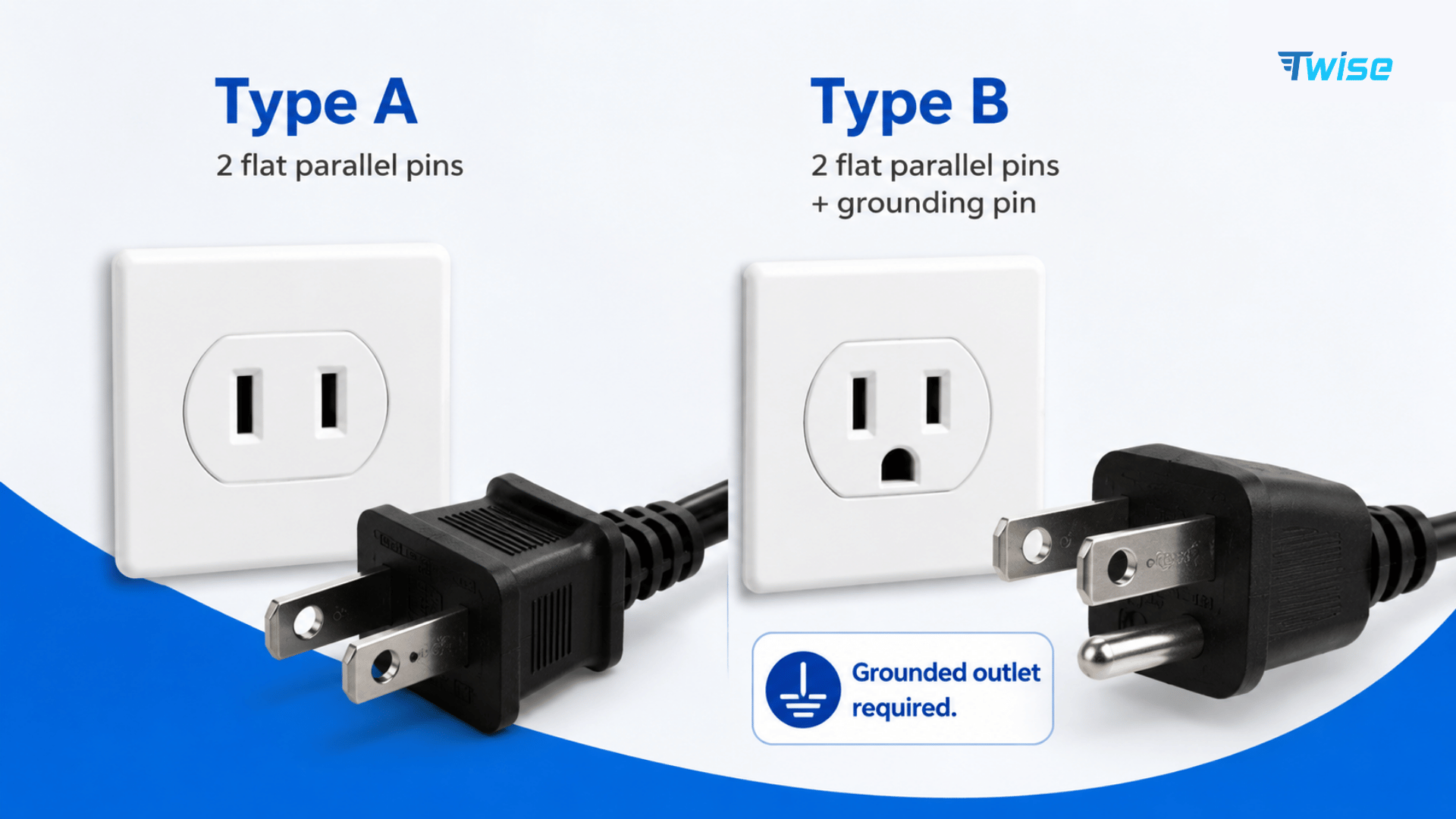
Type A Plugs Are the Most Common
Type A plugs have two flat, parallel pins with no grounding pin. This is the connection tourists most commonly need for phone and camera chargers.
When buying a travel adapter for Japan, inspect its wall-facing pins. A product described as “international” is not necessarily compatible with every outlet or appliance.
What About Three-Pin Grounded Chargers?
Type B includes a third, round grounding pin, but you should not assume every hotel socket accepts it.
If equipment requires grounding, a simple three-to-two-pin adapter does not provide an earth connection. Use a manufacturer-approved arrangement with a verified grounded outlet, or ask the accommodation about suitable facilities. Do not remove a ground pin.
Japan Voltage: Is Your Charger Safe to Use?
Japan Uses 100V Electricity
Japan’s standard mains supply is 100V AC, not the 120V common in North America or the 230V common in many other countries.
Physical fit is only one compatibility check. A device rated exclusively for another voltage should not be treated as compatible simply because its plug fits.
Check for “Input: 100–240V” on Your Charger
Look for the small print on the charging brick, often beside its model number:
Input: 100–240V~ 50/60Hz
This indicates an input range covering Japanese mains power. Check Input, not the USB output figures such as 5V, 9V, or 20V.
A camera charger and a hair straightener may have completely different input requirements, even when packed together.
Travel Adapter vs Voltage Converter: What’s the Difference?
A plug adapter changes the connection shape. A voltage converter or transformer changes voltage. An ordinary adapter does neither voltage nor frequency conversion.
For a single-voltage appliance, consult its manufacturer about equipment suitable for Japan’s supply, power demand, and frequency. High-power appliances are often more practical to leave at home and replace with accommodation-provided equipment.
Electrical Safety First explains these distinctions and the importance of respecting equipment power ratings in its Japan travel-adapter guidance.
Japan’s 50Hz vs 60Hz Electricity: Does It Matter?
Eastern Japan vs Western Japan
Eastern Japan, including Tokyo, generally uses 50Hz. Western Japan, including Osaka, Kyoto, and Nagoya, generally uses 60Hz.
Both use 100V. These regional differences are confirmed by the Japan National Tourism Organization’s electricity guide.
A charger labeled 50/60Hz normally needs no frequency adjustment when you travel between these cities.
Which Devices Should Travelers Check?
Check motor-driven appliances, electric clocks, and specialized equipment individually. Frequency can affect operation even when voltage is suitable.
For medical equipment, obtain compatibility guidance from the manufacturer before departure. Do not assume that an ordinary voltage converter also changes frequency.
Can You Use USB-C Chargers in Japan?
Yes, when the charger’s input specifications and wall plug are compatible. USB-C describes the device connection, not the mains plug.
USB-C Phone and Tablet Chargers
Modern phone and tablet charging adapters commonly support a wide input range, but verify your particular model.
Apple states that its USB power adapters support 100–240V AC at 50–60Hz in its USB power-adapter documentation.
Bring the correct cable for each device. A USB-C wall charger alone will not connect to an older phone requiring a different device-side connector.
USB-C Laptop Chargers
Confirm three things:
- The charger accepts Japan’s electrical input.
- Its USB-C Power Delivery output meets the laptop’s requirements.
- The cable supports the intended charging power.
An underpowered phone charger may charge a laptop slowly or fail to keep up during use. Some laptops require a proprietary charger instead of, or in addition to, USB-C charging.
Should You Bring a Multi-Port GaN Charger?
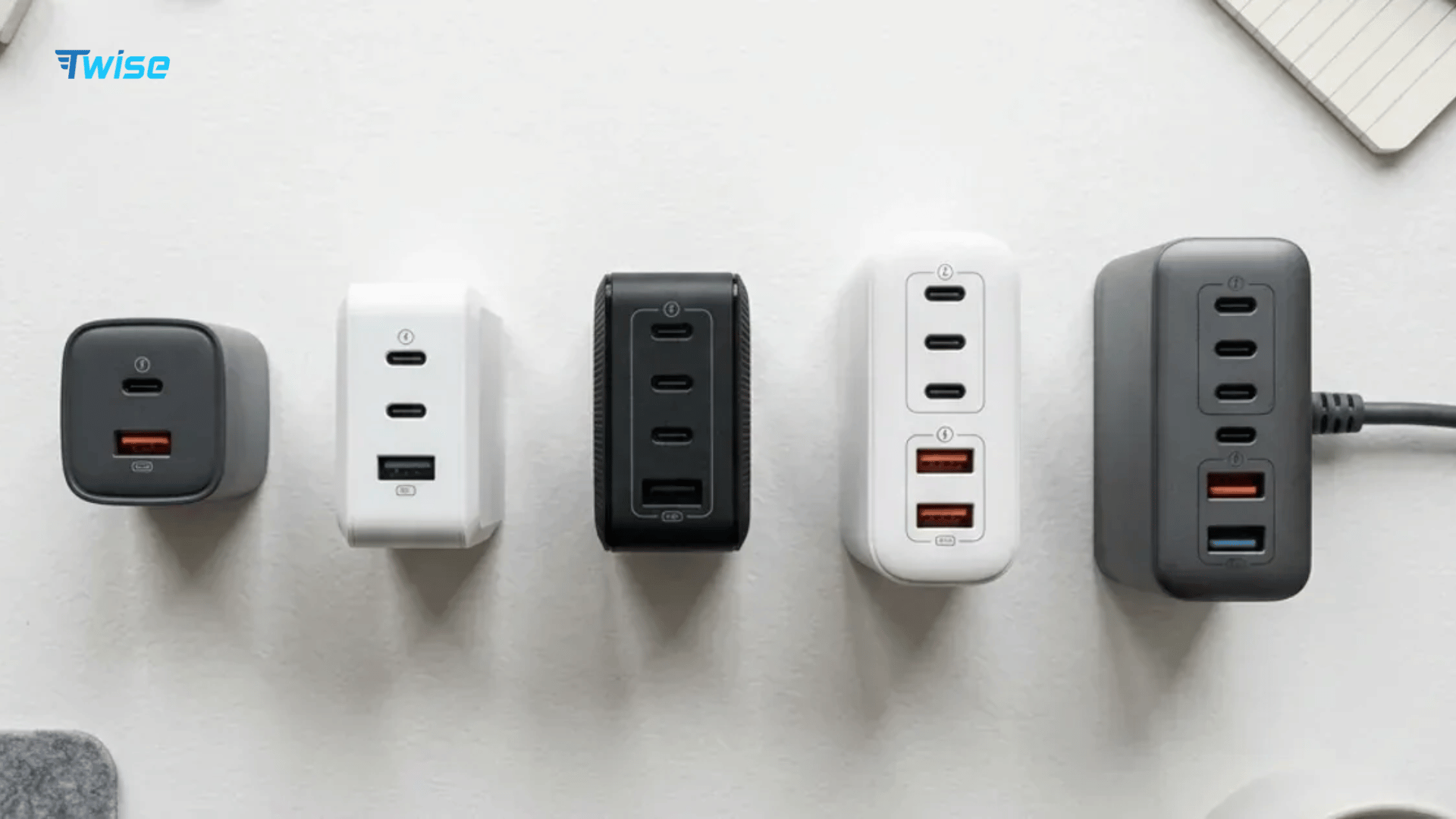
A multi-port GaN charger can reduce packing bulk when several evices need charging overnight.
Check the power allocation with multiple ports in use. The advertised total wattage is not necessarily available from every port simultaneously. Connecting a phone may reduce the power allocated to your laptop.
What Kind of Japan Travel Adapter Should You Pack?
Basic Type A Adapter
A basic travel adapter for Japan suits travelers carrying one compatible, ungrounded charger with an incompatible home plug.
It is compact and simple, but provides no USB charging by itself. Your original charger still supplies the device with the appropriate output.
Universal Travel Adapter
A universal adapter can suit a multi-country itinerary. Check that its supported destinations include Japan and every other stop.
“Universal” does not mean universal voltage conversion, grounding, or appliance compatibility. Its instructions should specify exactly what it supports.
Adapter With USB-C and USB-A Ports
Built-in USB ports can reduce the number of charging bricks you carry. Check supported charging protocols, individual-port output, and shared output.
The USB ports contain charging electronics. The adapter’s AC socket, if provided, generally passes through local mains voltage unless the product explicitly includes conversion.
What to Check Before Buying
Prioritize:
- Correct plug fit and any grounding requirements.
- Input compatibility with 100V, 50/60Hz.
- USB-C PD output suitable for your devices.
- Power and current limits.
- Clear manufacturer instructions and credible safety compliance.
- A size that will not obstruct neighboring sockets.
Avoid stacking adapters or using a loose, damaged connection.
Japan Travel Adapter Comparison: Which Setup Is Best?
| Charging setup | Best for | Main advantage | Main limitation |
| Basic Type A adapter | Japan-only trips | Small and simple | Needs a separate compatible charger |
| Universal travel adapter | Multi-country travel | Several plug configurations | Can be bulky; compatibility varies |
| USB-C travel charger | Phone and laptop users | Consolidates charging | Check plug, input, and output |
| Multi-port GaN charger plus adapter | Several devices | Fewer charging bricks | Power may be shared between ports |
Prepare Your Japan Connectivity
For a phone-only trip, a compatible charger and small adapter may be enough. For laptop work, prioritize the correct charging output. For couples, two compact charging setups can be more convenient than one large adapter everyone must share.
Pack your travel adapter for Japan in an accessible pouch with cables, rather than at the bottom of checked luggage.
Prepare Your Phone for Japan: Power and Mobile Data
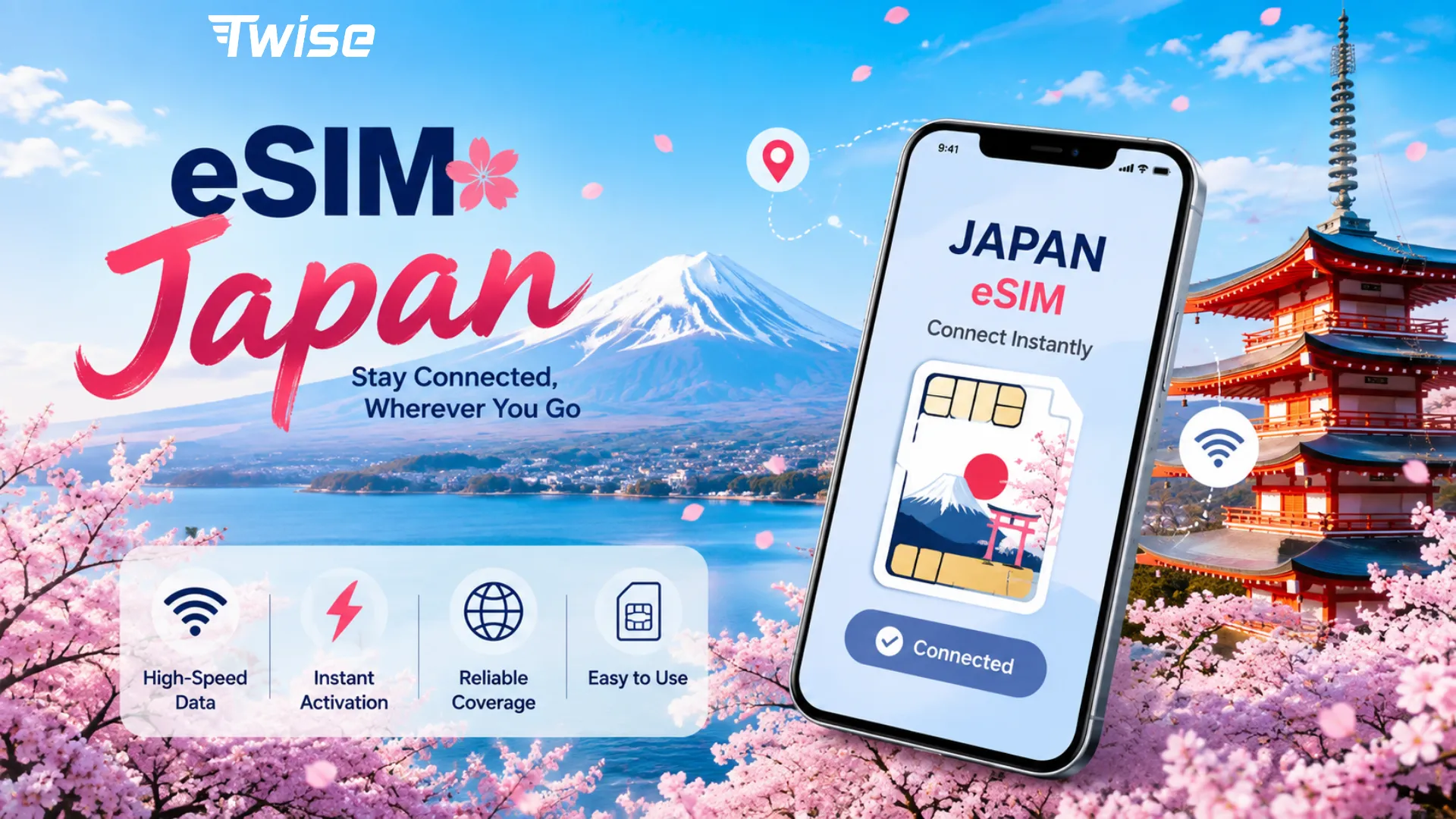
A charged phone still needs connectivity for live train updates, translation, and hotel messages beyond Wi-Fi coverage.
Install Your Japan eSIM Before Departure
If the selected plan allows advance installation, install it over reliable Wi-Fi before flying. Read the activation rule first: installation and the start of plan validity are not always the same event.
Compare a travel eSIM based on coverage, data allowance, validity, and hotspot policy. Check delivery and installation instructions for the package rather than assuming every plan follows the same process.
Keep Your Home SIM and Travel eSIM Together
On compatible Dual SIM phones, you can retain the home line while selecting the travel eSIM for mobile data.
Turn off home-line data roaming unless intentionally needed. Enable roaming on the travel line only if instructed, and disable automatic data switching if you want to prevent fallback.
Confirm the phone is unlocked. On iPhone, check Settings → General → About → Carrier Lock → “No SIM Restrictions.” Home-line calls and other services may still incur charges.
Japan eSIM vs Physical SIM vs International Roaming
| Option | Before-arrival preparation | Collection or SIM swap | Main tradeoff |
| Travel eSIM | Purchase and permitted advance installation | Digital installation | Requires a compatible, unlocked device |
| Japanese physical SIM | Preorder where available | Delivery, collection, or insertion | Useful for phones without eSIM |
| Home-carrier roaming | Check destination package and enable service | No SIM swap | Pricing and allowances vary |
| Pocket Wi-Fi | Reserve where needed | Delivery or pickup, often return | Shared battery, range, and connection |
Digital installation can remove the need to visit a SIM counter. Physical SIMs remain useful for compatible phones without eSIM support, while roaming avoids installing another plan.
Pocket Wi-Fi can suit groups staying together, but adds another device to charge. Remember to include it when planning your adapter and USB-port needs.
Japan Arrival Checklist: Charge, Connect and Navigate
Before leaving home:
- Inspect every charger. Check its plug and input specifications.
- Pack the correct adapter. Account for grounding where required.
- Charge your power bank. Keep its matching cable accessible and check airline battery rules.
- Download offline maps. Save the airport, accommodation, and nearby station.
- Save booking details. Keep hotel addresses and transfer instructions accessible offline.
- Prepare mobile data. Confirm compatibility, activation timing, and destination coverage.
- Test your charging setup. Connect all intended devices and check shared charging behavior.
After landing, confirm your phone has a working data connection before relying on live navigation. A hotel address saved offline remains useful if setup takes longer than expected.
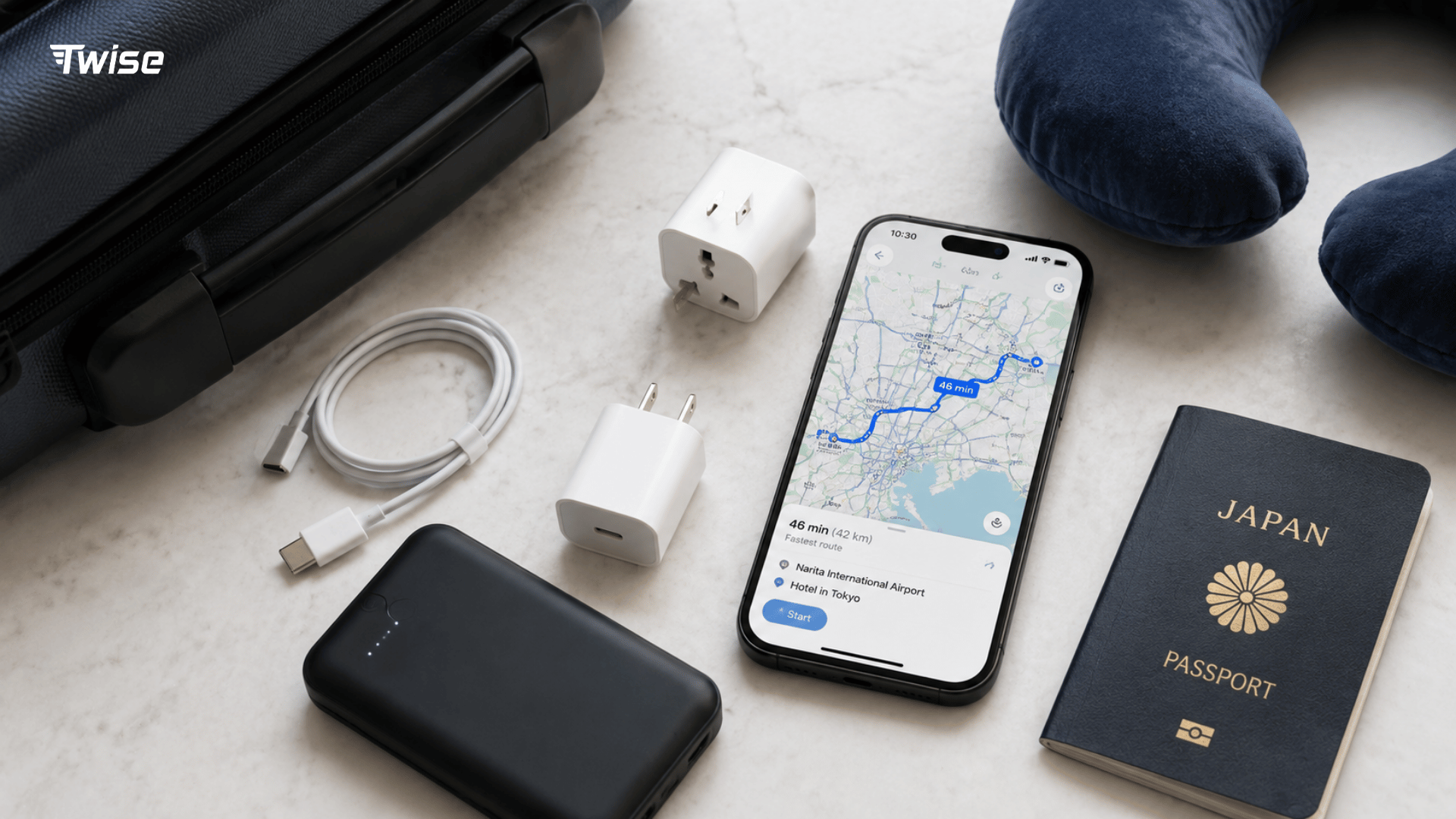
Final Japan Travel Prep: Power Ready, Data Ready
The right travel adapter for Japan depends on your charger’s plug, electrical input, and grounding requirements. Many modern travel electronics need only a plug adapter when their existing plug does not fit.
Prepare connectivity alongside charging. With Twise eSIM, review the Japan package’s installation instructions and plan terms before departure. A compatible charging setup, saved travel details, and arranged mobile data help keep the first airport-to-hotel journey manageable.
FAQs
Often not for a compatible two-flat-pin charger. Check the input rating and physical fit. Grounded three-prong equipment needs a suitable grounded connection, and some polarized plugs may not fit every outlet.
Normally not for a charger marked 100–240V, 50/60Hz. Single-voltage appliances need individual assessment. A travel adapter for Japan changes plug compatibility, not the electrical supply.
Apple USB power adapters support Japan’s voltage and frequency. You may still need a plug adapter depending on the version you own. For third-party chargers, check the manufacturer’s input label.
Yes, provided its input supports the local supply and its plug fits directly or through an appropriate adapter. Check charging output and cable capability separately, particularly for laptops.
Common Japanese Type A plugs resemble US two-flat-pin plugs. However, outlet grounding, polarized-plug fit, and supply voltage can differ. Similar appearance does not guarantee compatibility for every American appliance.
