

Can You Install the Same eSIM on Two Devices? What to Know
Aug
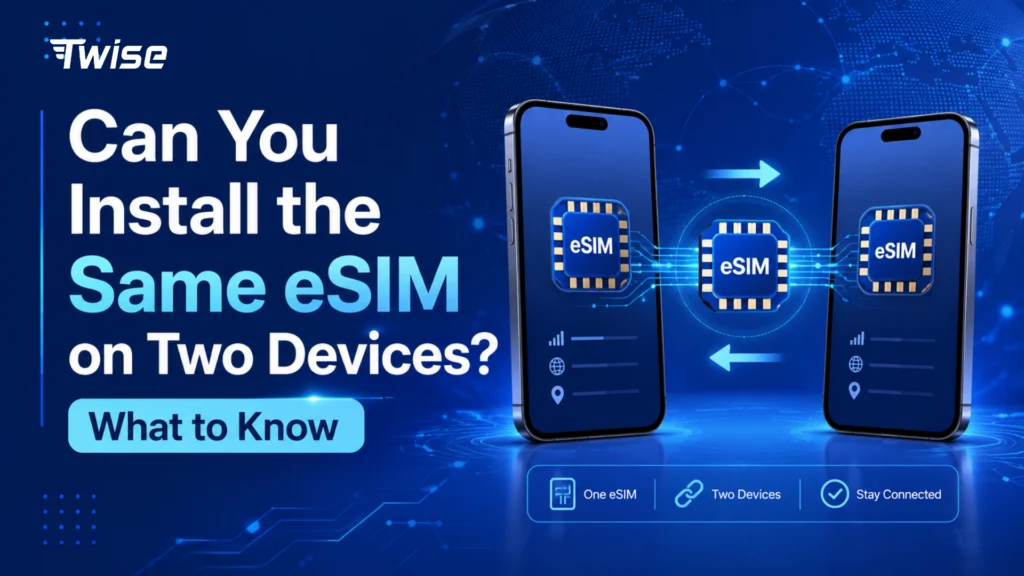
If you travel with two phones, a tablet, or a companion, it is tempting to buy one travel eSIM and scan the same QR code on every device. But can you install eSIM on two devices and use the same plan at the same time?
In most cases, no. An eSIM profile is activated for one device and normally cannot operate simultaneously on a second phone or tablet. If several devices need mobile data, you will usually need separate eSIMs or a hotspot connection.
Understanding this before your trip can prevent a particularly frustrating problem: arriving abroad with one working eSIM and another device that cannot activate.
Why One eSIM Usually Works on Only One Device
An eSIM is more than a digital copy of a plastic SIM card. It contains network credentials that allow a carrier to authenticate a particular mobile subscription.
Once an eSIM profile has been downloaded and activated, the network generally associates that profile with the device where it was installed. Activation codes are therefore not designed as reusable QR codes that can simply be photographed and shared between several phones.
This protects the mobile subscription from being duplicated or used simultaneously on unauthorized devices.
The practical rule for travelers is simple:
One eSIM plan should normally be treated as one active device connection.
If you are traveling with your phone and your partner has another phone, scanning the same travel eSIM QR code on both devices should not be your connectivity plan.
Can You Scan the Same eSIM QR Code Twice?
Usually, you should assume you cannot.
Many eSIM activation QR codes have installation restrictions. After the profile has been successfully downloaded, trying the same code on another device may result in an activation error.
However, eSIM policies vary between carriers and providers. Some services may allow a profile to be downloaded again under specific circumstances, while others require a completely new activation profile.
This is why you should never delete a working travel eSIM just to test whether its QR code can be reused.
If you accidentally remove an eSIM while traveling, contact the provider before attempting another installation.
Moving an eSIM Is Different From Using It on Two Devices
There is an important distinction between sharing an eSIM and transferring one.
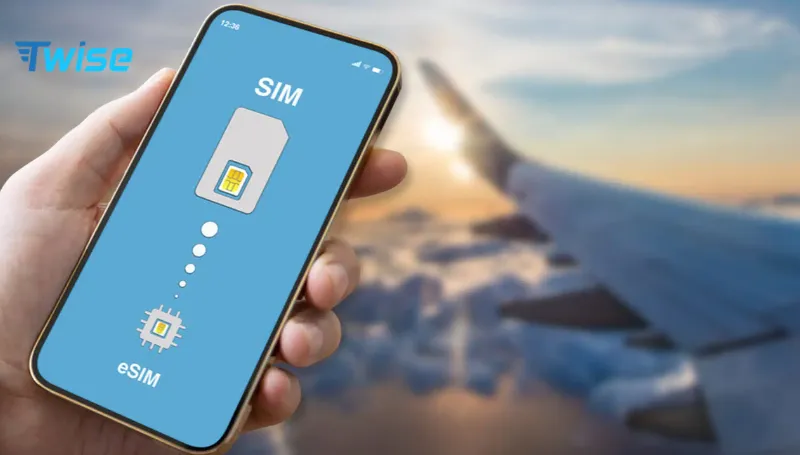
Some mobile carriers support moving an existing cellular plan from an old phone to a new one. Apple, for example, supports eSIM Quick Transfer with participating carriers. Once the mobile plan activates on the new iPhone, the previous SIM is deactivated.
Google Pixel also supports eSIM transfer from another compatible device when the carrier supports the feature.
That means transfer technology can make changing phones easier, but it does not create two active copies of the same subscription.
Travel eSIMs may also follow different transfer rules from your permanent carrier plan, so always check the provider’s policy before switching devices during a trip.
What Should You Do If You Travel With Multiple Devices?
The best solution depends on how independently each device needs internet access.
Option 1: Buy a Separate eSIM for Each Device
This is the simplest solution when two people need reliable connectivity throughout the day.
For example, if a couple is visiting South Korea and regularly separates for shopping, sightseeing, or work, having one eSIM on each phone means neither person depends on the other’s hotspot.
With Twise, travelers can purchase compatible travel plans online and receive the eSIM details digitally, including instant QR delivery for eligible products.
Each traveler installs their own eSIM while keeping their primary SIM available on compatible Dual-SIM phones.
Option 2: Share One eSIM Through Mobile Hotspot
You do not necessarily need two eSIM plans just because you carry two devices.
If your eSIM plan supports hotspot use, your phone can provide Wi-Fi to a tablet, laptop, or another traveler’s phone.
This can work well when the second device only needs occasional internet access.
However, hotspot use has practical drawbacks. It can consume your phone’s battery faster, both devices need to remain relatively close together, and all connected devices share the same data allowance.
For a laptop used at a hotel or café, hotspot sharing may be perfectly adequate. For two travelers spending the day separately, independent eSIM plans are usually more practical.
Which Multi-Device Setup Makes Sense?
| Setup | Independent connection? | Main advantage | Best for |
| Separate Twise eSIM per device | Yes | Each device has its own travel data connection | Couples, families and separate phones |
| One eSIM + hotspot | No | Can reduce the need for another plan | Phone + laptop or tablet |
| Home-carrier roaming on both | Yes | Little setup required | Travelers comfortable with roaming rates |
| Other travel eSIMs | Yes, with one plan per device | Wide choice of destination plans | Comparing providers and plan structures |
| Public Wi-Fi | No mobile connection | No cellular plan needed | Light or occasional internet use |
The cheapest option is not always the most convenient. Consider whether the devices will remain together, how much data they use, and whether losing hotspot access would disrupt important travel activities.
What If You Buy a New Phone During Your Trip?
This is one situation travelers often overlook.
Suppose your phone is damaged in Singapore and you replace it locally. Do not immediately erase your old travel eSIM.
First, check whether your eSIM provider supports transferring or reinstalling that particular plan. Carrier eSIM transfer features are not universal, and Google notes that availability can depend on the carrier.
If transfer is unavailable, you may need a replacement eSIM profile or a new travel plan.
Keep your order information and installation email accessible somewhere other than your phone—for example, in cloud storage or another email-accessible device. That gives you a recovery path if the original handset is lost or damaged.
Can Two eSIMs Be Installed on One Phone?
This is the opposite question, and the answer is often yes.
Many modern smartphones can store several eSIM profiles, although the number that can remain active simultaneously depends on the device.
This can be useful for international travelers. You might keep your regular mobile line active for calls or verification messages while using a Twise travel eSIM for mobile data.
Having multiple eSIM profiles on one device is therefore completely different from copying one eSIM profile onto several devices.
Need Internet on More Than One Travel Device?
Trying to install eSIM on two devices usually will not give both phones an independent connection. Instead, choose one eSIM per device when travelers need separate access, or use hotspot sharing when the devices stay together.
Avoid the stress of sharing one activation code between multiple phones. Explore Twise travel eSIM plans and choose separate digital connectivity for the devices or travelers that need to stay independently online.

FAQs
More Helpful Tips for Your Journey
- How to Travel Cheap in Vietnam: Budget Transport, Food, Data, SIM/eSIM & Money Tips
- How Much Does a Travel Hotspot Cost? Pocket Wi-Fi vs Phone Hotspot vs eSIM
- How Much Data Does YouTube Use? 480p, 720p, 1080p & Travel Data Tips
- How to Make Calls in Europe with a Local Europe eSIM
