

Waze vs Google Maps Data Usage: Which Uses Less Data When Traveling
Quick answer
Wondering about Waze vs Google Maps data usage while traveling? Google Maps is usually the better low-data choice because it lets you download offline map areas before your trip, making it useful when mobile signal is weak or roaming data is limited. Waze can use relatively little data for basic driving, but its main value comes from live traffic, hazards, police reports, closures, and rerouting, which require an active connection. For most travelers, the smartest setup is simple: download Google Maps as an offline backup, use Waze when driving with mobile data, and keep a travel eSIM ready for live updates after landing.
Does Waze or Google Maps Use Less Data?
Google Maps usually gives travelers more control over data
Google Maps can reduce active mobile data use because you can download map areas on Wi-Fi before leaving your hotel, airport, or home. Once downloaded, the map can still guide your drive in that area when your internet is slow or unavailable. This makes Google Maps the safer low-data option for travelers who may pass through weak-signal areas or want a backup before landing in a new country.
Waze depends more on live data for its best features
Waze is built around what is happening on the road right now. Its biggest advantages are live traffic, construction, crashes, hazards, police reports, speed camera alerts, and fast rerouting. These are useful for drivers, but they work best when your phone has active mobile data. Without live data, Waze loses much of what makes it valuable.
The real answer depends on travel behavior
Simple driving navigation may not use much data on either app. However, data use can rise when you search for restaurants, browse photos and reviews, switch to satellite view, refresh traffic frequently, or change routes often. If your goal is to use the least data possible, download Google Maps offline first, preload your key routes on Wi-Fi, and avoid data-heavy map features while roaming.
| Traveler need | Better app | Why it works |
| Lowest-data offline backup | Google Maps | Download map areas before departure. |
| Live driving alerts | Waze | Best for traffic, hazards, police, and rerouting. |
| Road hazards and police reports | Waze | Community reports are Waze’s strongest use case. |
| Public transit | Google Maps | Supports trains, metro, buses, and mixed routes. |
| Walking navigation | Google Maps | Designed for pedestrians and city exploration. |
| Hotel and restaurant search | Google Maps | Better for places, hours, photos, and reviews. |
| Rental car driving | Use both | Google Maps for backup; Waze for live road alerts. |
| Poor-signal road trip | Google Maps offline + Waze when online | Offline backup first, live alerts when signal returns. |
| Data-limited eSIM | Google Maps with offline maps | Save live data for urgent travel tasks. |
Waze vs Google Maps Data Usage: What Actually Uses Data?
Map apps do not use data in only one way. They use data for map tiles, route calculations, live traffic, search results, images, reviews, alternate routes, and real-time updates. Knowing what triggers data usage helps you choose the right app and settings for your trip.
Basic route guidance
Both Waze and Google Maps use data to calculate a route, load map areas, and update conditions. If your route is already loaded and your map area is already cached or downloaded, basic guidance can be relatively light. Google Maps has an advantage here because offline maps let you plan ahead more reliably.
Live traffic and rerouting
Live traffic is useful, but it requires live data. Waze relies heavily on real-time road reports to suggest faster routes and warn drivers about hazards. Google Maps also uses live traffic when connected, but it can still provide basic driving guidance in downloaded areas if the internet is weak or unavailable. The trade-off is that offline Google Maps will not include live traffic or alternate routes.
Photos, reviews and discovery
Google Maps can use more data when travelers browse deeply. Searching for restaurants, opening photo galleries, reading reviews, checking menus, and comparing hotels can all increase data usage. These features are useful when exploring a new city, but they are better used on Wi-Fi if your travel data plan is limited.
Satellite view and Street View
Satellite view, Street View, and image-heavy map exploration can use more data than standard map navigation. When traveling on limited mobile data, stay on the default map view and save heavy visual browsing for hotel Wi-Fi.
| Activity | Waze data impact | Google Maps data impact | Travel advice |
| Basic driving | Low to moderate | Low to moderate | Preload the route before leaving Wi-Fi. |
| Live traffic | Moderate | Moderate | Keep data on if traffic matters. |
| Road hazards | Moderate | Lower or limited | Use Waze when online and driving. |
| Offline navigation | Weak | Strong | Download Google Maps offline. |
| Restaurant search | Weak | Moderate to high | Research on Wi-Fi when possible. |
| Photos and reviews | Limited | High | Avoid heavy browsing on limited data. |
| Walking or transit | Not useful | Low to moderate | Use Google Maps. |
| Emergency nearby search | Limited | Moderate | Keep mobile data available. |
| Satellite / Street View | Limited or varies | High | Use only on Wi-Fi when possible. |
Offline Maps: Google Maps vs Waze
Google Maps offline maps
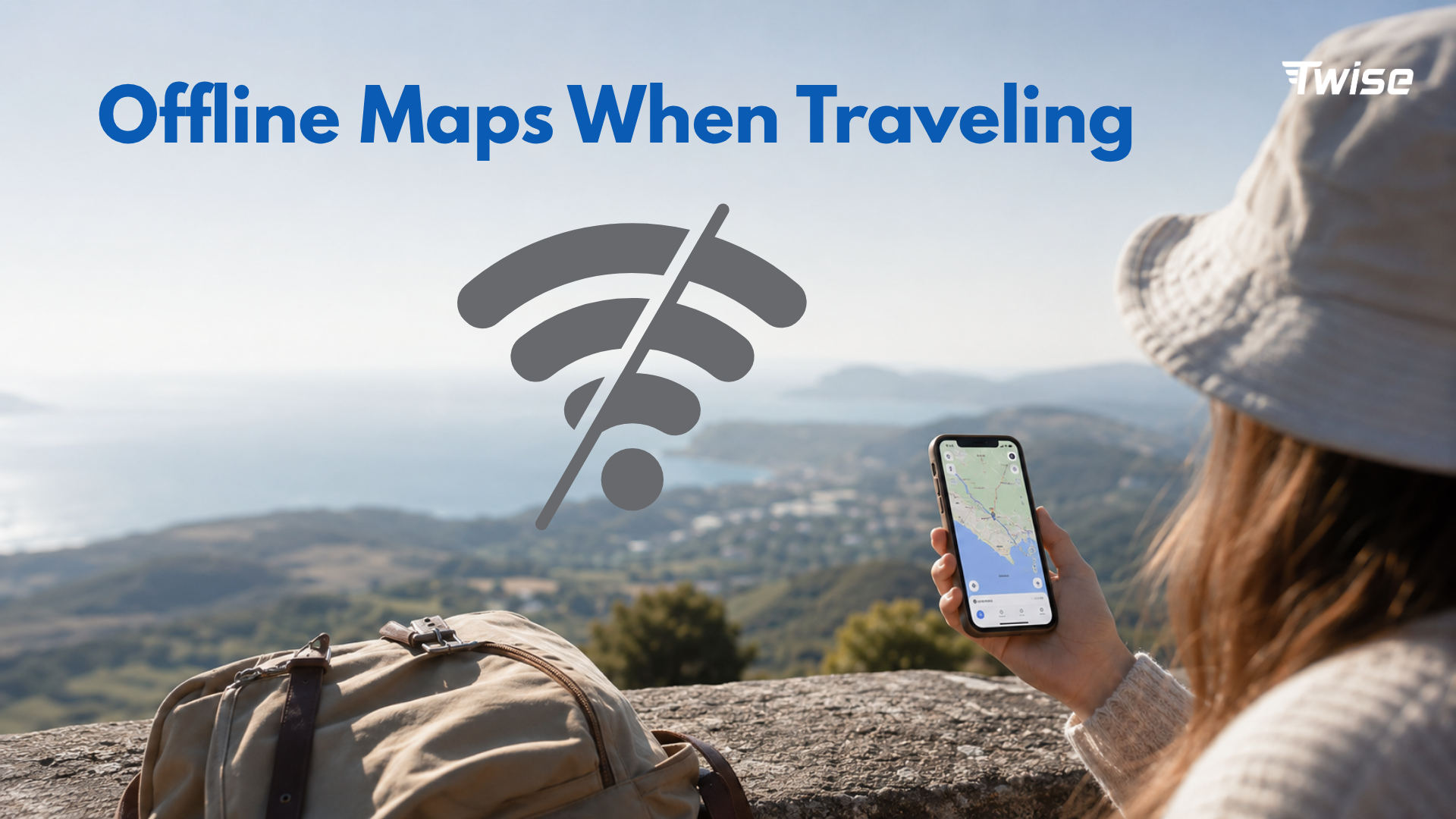
Google Maps lets you download map areas before your trip. This is useful when you are entering a new city, driving through rural areas, crossing islands, or visiting places where mobile signals may be inconsistent. Offline Google Maps can guide you in downloaded areas, but it has limitations: you will not get live traffic, alternate routes, or offline directions for transit, cycling, or walking.
Waze offline limitations
Waze does not provide the same downloadable offline map-area system as Google Maps. It is designed as a live driving app. That means Waze is most useful when connected to mobile data, especially if you want police reports, accident alerts, road hazards, closures, and instant rerouting.
Preloaded Waze routes are not the same as offline maps
If you load a Waze route while online and then lose signal, the app may still display parts of the preloaded route for a while. However, this should not be treated as a reliable offline navigation strategy for international travel. If losing connection would be stressful, download Google Maps offline before the drive.
Best low-data setup
- Download Google Maps offline before departure or on hotel Wi-Fi.
- Save hotel, airport, rental car office, and emergency stops in Google Maps.
- Use Waze only when you have mobile data and need live driving alerts.
- Keep a travel eSIM active for route changes, traffic, ride-hailing, hotel messages, and emergencies.
Navigation, Emergency Communication and Hotel Access: What Travelers Actually Need
Navigation is only one travel task. In a real trip, travelers often need the internet for hotel check-in messages, ride-hailing pickup updates, emergency location searches, translation, roadside help, rental car support, flight or train changes, and family location sharing.
Google Maps for hotel and emergency access
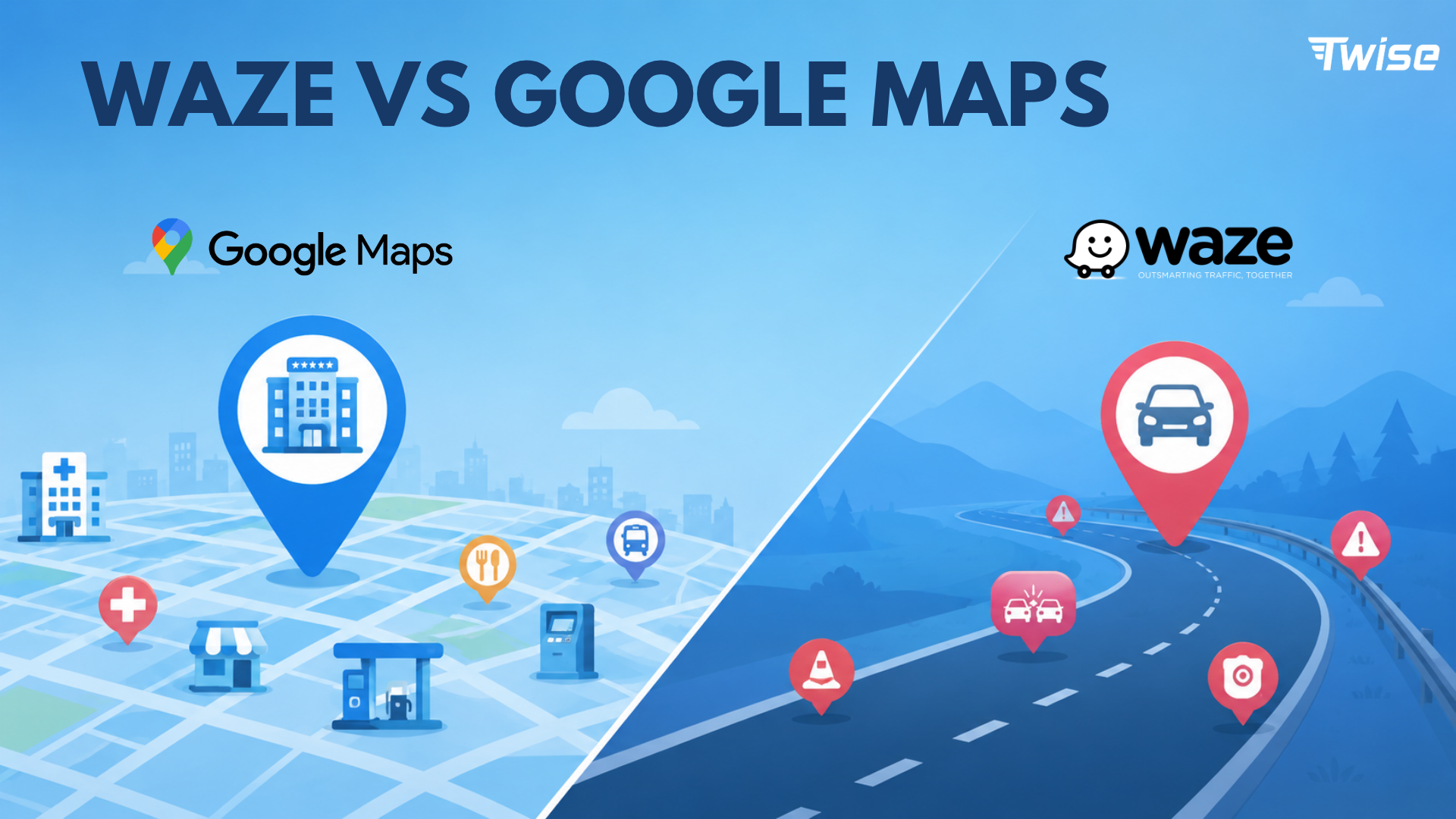
Google Maps is generally better for finding nearby hotels, hospitals, pharmacies, police stations, ATMs, restaurants, gas stations, and transit stations. This matters when you arrive late, lose your way, need medicine, or have to find a safe pickup point.
Waze for road emergencies while driving
Waze is helpful when you are actively driving and need to know what is happening on the road. It can warn you about crashes, traffic, construction, road hazards, speed cameras, and possible closures. For road trips and rental cars, these alerts can save time and reduce stress.
Why offline maps do not replace travel connectivity
Offline maps help you stay oriented, but they do not replace live internet. You still need data to receive hotel messages, call a ride, check current road conditions, change plans, contact support, share your location, or get help in an emergency.
Waze vs Google Maps for Rental Cars and Road Trips Abroad
Rental cars are one of the strongest reasons to use Waze and Google Maps together. Google Maps gives you context before you drive. Waze gives you live road intelligence during the drive.
Use Google Maps before the drive
- Save your hotel and airport location.
- Save the rental car office and parking location.
- Download offline areas for your city, route, or island.
- Preview the route before you leave Wi-Fi.
- Search gas stations, toll roads, rest stops, and emergency points.
- Save backup stops in case your itinerary changes.
Use Waze during the drive
- Traffic alerts.
- Road hazards.
- Police reports and speed cameras where available.
- Closures and accidents.
- Active rerouting when traffic changes.
Use both for unfamiliar countries
Google Maps helps you understand where you are and what is nearby. Waze helps you react to road conditions while driving. Together, they create a stronger travel navigation setup, especially if you are driving abroad for the first time.
Driving abroad checklist
- Download Google Maps offline on Wi-Fi.
- Install Waze and test the route before driving.
- Save your hotel address and rental car office.
- Check toll road, highway, and avoid-road settings.
- Prepare a charging cable and power bank.
- Activate mobile data or travel eSIM before the drive.
- Avoid downloading maps or app updates over mobile data.
Waze vs Google Maps for Non-Driving Travel
Most international trips are not only about driving. You may walk through a city, take a train, use ride-hailing, or look for restaurants and attractions. For these moments, Google Maps is usually more useful than Waze.
Walking in a new city
Google Maps is better for walking because it is designed for pedestrians and city exploration. Waze is driver-focused and is not the right tool for walking routes.
Public transit
Google Maps is also better for buses, trains, metro lines, and multi-leg transit routes. Waze is not built for public transportation.
Ride-hailing
Google Maps can help you locate a pickup point, but ride-hailing apps still need mobile data. Depending on the country, you may use Uber, Grab, Bolt, Lyft, Gojek, LINE Taxi, or a local service. Offline maps cannot send messages to your driver or update your pickup location.
Restaurant and attraction discovery
Google Maps is stronger for reviews, opening hours, photos, menus, attractions, saved lists, and local discovery. Use Wi-Fi when browsing photos and reviews heavily, then save your places before leaving the hotel.
Destination-Specific Advice: Which App Should Travelers Use?
| Destination | Best setup | Why |
| US road trip | Google Maps offline + Waze live alerts | Strong road data and Waze driving community. |
| Europe city trip | Google Maps for walking/transit; Waze only if driving | Mixed transit and walking are common. |
| Thailand | Google Maps + Grab + LINE; Waze only for rental car driving | Ride-hailing and messaging matter for daily travel. |
| Japan | Google Maps + train apps; Waze only if driving | Most visitors rely on trains, walking, and station navigation. |
| South Korea | Add Naver or Kakao Maps | Local apps may be more accurate for some navigation needs. |
| China | Prepare local maps and connectivity before arrival | App access and map reliability may vary. |
| Island trip | Google Maps offline + eSIM for updates | Signal may be weaker outside main areas. |
| Rural road trip | Google Maps offline + Waze when signal exists | Offline backup is essential. |
Why local apps may matter
In some countries, neither Google Maps nor Waze is enough. Travelers should prepare local transit, taxi, or map apps before arrival. A travel eSIM helps you download updates, verify routes, and switch apps if one service is limited.
How to Reduce Waze and Google Maps Data Usage While Traveling
Download Google Maps offline on Wi-Fi
Do this before departure, at the airport, or at your hotel. Avoid downloading large map areas over mobile data, especially if you are using a limited travel plan.
Preload routes before leaving Wi-Fi
Open your hotel, airport, attraction, rental car office, or day-trip route before leaving stable Wi-Fi. This can reduce unnecessary map loading while you are already on the move.
Avoid satellite view and Street View on mobile data
Standard map view is usually enough for navigation. Save satellite view, Street View, restaurant photos, and long review browsing for Wi-Fi.
Save places before travel
- Hotel or apartment address.
- Airport and train station.
- Rental car office.
- Main attractions.
- Hospitals and pharmacies near your hotel.
- Restaurants and meeting points.
- Embassy or emergency contacts if relevant.
Turn off automatic app updates on mobile data
Maps may not be the biggest data problem on your trip. Background app updates, cloud backup, video autoplay, and streaming can use more data than navigation. Check your phone settings before departure.
Track data usage
Use your phone settings to monitor which apps use the most mobile data. For more practical data-saving tips, read Twise’s guide on how to save mobile data and money while traveling.
Where Twise eSIM Fits: Maps Save Data, But Travel Still Needs Live Internet
Offline maps reduce data, not travel friction
Downloading Google Maps offline is smart, but it does not solve every travel problem. You still need live mobile data for changing routes, traffic, ride-hailing, hotel access, translation, emergency communication, and urgent travel updates.
Live travel moments that need data
- Checking live traffic before a drive.
- Receiving Waze alerts and route changes.
- Messaging your hotel or host.
- Finding the right ride-hailing pickup point.
- Searching nearby hospitals, pharmacies, ATMs, or police stations.
- Using translation in real time.
- Checking flight or train changes.
- Sharing your location with family or travel partners.
Twise positioning
A Twise eSIM is useful for travelers who want mobile data ready after landing. It helps keep navigation, emergency communication, hotel access, ride-hailing, translation, and live route updates available without relying only on public Wi-Fi.
Low-Data Travel Navigation Checklist Before Departure
- Download Google Maps offline for your destination.
- Install Waze if you will rent a car or drive long distances.
- Save your hotel address, airport, train station, and rental car office.
- Save hospitals, pharmacies, and emergency contacts near your hotel.
- Install the local ride-hailing app before arrival.
- Turn off automatic app updates on mobile data.
- Avoid satellite view and heavy photo browsing on mobile data.
- Check whether your phone supports eSIM before buying a plan.
- Install your travel eSIM if activation timing allows.
- Test maps and mobile data after arrival.
- Keep a power bank and charging cable ready.
Before buying a travel eSIM, confirm your phone is supported using Twise’s eSIM compatible devices guide.
Final Decision Guide: Waze or Google Maps for Travel?
Choose Google Maps if…
You need offline maps, walking routes, public transit, hotels, restaurants, emergency searches, saved places, or general travel planning. Google Maps is the better all-in-one travel navigation tool.
Choose Waze if…
You are driving and want live traffic, road hazards, police reports, speed camera alerts, closures, and aggressive rerouting. Waze is the better connected driving assistant.
Use both if…
You are renting a car, road-tripping, or driving in a country where losing signal would create stress. Use Google Maps as the base map and offline backup. Use Waze for live driving alerts when mobile data is available.
Add a travel eSIM if…
You need live navigation, emergency communication, hotel access, ride-hailing, translation, traffic updates, and route changes after landing. Offline maps are helpful, but live internet keeps the rest of the trip moving.

FAQs
About Twise eSIM
If maps, Waze, ride-hailing, or hotel access are part of how you travel, reliable mobile data matters from the moment you land.
Twise offers local eSIM plans built on actual carrier networks rather than generic roaming arrangements. For travelers using Google Maps, Waze, transit apps, and emergency searches abroad, local carrier access can help keep navigation more stable and reliable.
Current Twise eSIM options:
USA local eSIM – T-Mobile or AT&T network, includes calls and SMS, suitable for road trips, rental cars, and travelers who need a local number in the US.
Europe eSIM – covers major European destinations with calls and SMS included.
Japan local eSIM – local carrier network for train-heavy travel, map apps, and city navigation.
South Korea local eSIM – local network access with strong urban and transit coverage.
Almost all plans are installed digitally. No physical SIM, no store visit, no deposit or return process.
For navigation specifically: most travelers do not need unlimited data for Google Maps or Waze. If you use live traffic all day, ride-hailing often, translation, video calls, or hotspot sharing, check the plan’s data size and hotspot policy before purchasing.
