



Korea eSIM Data Only vs Voice & Data: Which to Choose?
For many short Korea trips, a data-only eSIM is enough if you mainly need maps, translation, web bookings, messaging, and internet calls. Voice & Data is more useful if you specifically need conventional Korean calls, SMS, or a service that depends on a local number. A Korean number does not automatically provide every type of identity verification, so the right choice comes down to what you’ll actually do during the trip, not which option sounds more complete.
Travelers who mainly need mobile internet can compare Korea eSIM data only plans before departure and decide from there.
Korea’s Mobile Networks at a Glance
Both data-only and Voice & Data eSIMs run on one of Korea’s three network operators, and the underlying carrier affects your experience more than the product category does.
| Carrier | Known for | Common product type |
| SK Telecom (SKT) | Largest network, strong nationwide and indoor coverage | Data-only tourist eSIMs, including Twise |
| KT | Broad coverage, tourist Voice & Data options | Voice/SMS-inclusive tourist products |
| LG U+ | Wide coverage, budget-friendly options | Data-only and Voice/SMS tourist products |
Korea eSIM Data Only vs Voice & Data — Quick Comparison
| Feature | Data-only | Voice & Data |
| Mobile internet | Yes | Yes |
| Maps/translation | Yes | Yes |
| WhatsApp/FaceTime/Kakao internet calls | Yes | Yes |
| Conventional Korean calls | No | Yes, if included/activated |
| Korean SMS | No | Usually yes, if included/activated |
| Korean phone number | Usually no | Often included |
| SMS-based local workflows | No | May work |
| Banking/government identity verification | No | Not guaranteed |
| Verification steps | Often simpler | May require passport/entry verification |
| Best for | App-first tourists | Travelers needing calls, SMS, or a local number |
Choose data-only if…
You’ll spend your trip navigating, translating, booking, and messaging through apps — no expectation of receiving a Korean call or text.
Choose Voice & Data if…
You already know a business, service, or contact will need to reach you by conventional call or SMS while you’re in Korea.
What Can You Actually Do With a Korea Data-Only eSIM?
At Incheon, Gimpo, or Gimhae Airport
A data-only connection covers the essentials right after landing: reading arrival messages, finding airport rail or bus information, opening your hotel booking, checking transport routes, and messaging your accommodation through an internet-based app.
Navigating Seoul, Busan, and Jeju
Live navigation, confirming the right station exit, adjusting to a last-minute route change, and searching nearby locations all run on data, not a phone number.
Translation and Reading Korean Information
Papago and similar tools handle menus, signage, and camera-based translation entirely over a data connection.
Hotel, Tour, and Driver Messages
Email, in-app chat, WhatsApp, and KakaoTalk all work over data-only service wherever the other party also uses internet messaging.
KTX, Bus, Attraction, and Tour Tickets
Data access is what you actually need to open bookings, load QR codes, and catch last-minute schedule changes — not a phone number.
Calling Family Over the Internet
This is where the distinction matters most: VoIP calls through apps run over your data connection, while conventional cellular voice calls do not work on a data-only line at all.
When Is Voice & Data Worth Paying For in Korea?
You Need Conventional Korean Calls
This applies when you’re calling a business directly, expecting a conventional callback, or reaching someone who doesn’t use the same messaging platform you do.
You Need Korean SMS
Some reservation, queue, or service notifications are delivered by SMS as part of the standard workflow in Korea, and a data-only line simply won’t receive them.
A Service Specifically Requires a Korean Number
Check the exact requirement of the service itself before buying a phone-number-inclusive eSIM solely to support one app or booking.
You Are Staying Longer or Interacting Heavily With Local Services
There’s no universal trip length where Voice & Data becomes necessary. Base the decision on what you’ll actually be doing, not how many days you’re staying.
A Korean Phone Number Does Not Guarantee Every Verification
This is one of the most misunderstood parts of choosing a Korea eSIM, and it’s worth being precise about.
Phone Number Verification vs. Identity Verification
A phone number lets a service send you a text. Identity verification is a separate system tied to resident registration or verified personal identity — having a Korean number doesn’t automatically grant you that status.
Restaurant and Taxi SMS May Be Different From Banking KYC
LG U+ explicitly states that its Voice/SMS service can support certain restaurant and taxi reservation SMS flows, but does not support banking or government identity verification. That distinction matters if you’re assuming a Korean number will unlock financial services.
Keep Your Home Number Available for Home-Bank OTP
A practical dual-SIM approach: use your Korea eSIM for data, and keep your home number active (with roaming off, or on standby) for one-time passcodes tied to accounts back home.
Korea Arrival Scenario: What Happens With Each Option?
Traveler A — Twise Data-Only SKT eSIM
Lands at Incheon, activates according to the product’s instructions, gets a data connection, opens Naver Map, checks the hotel booking, translates a sign with Papago, and messages the hotel through an app — all without a phone number involved.
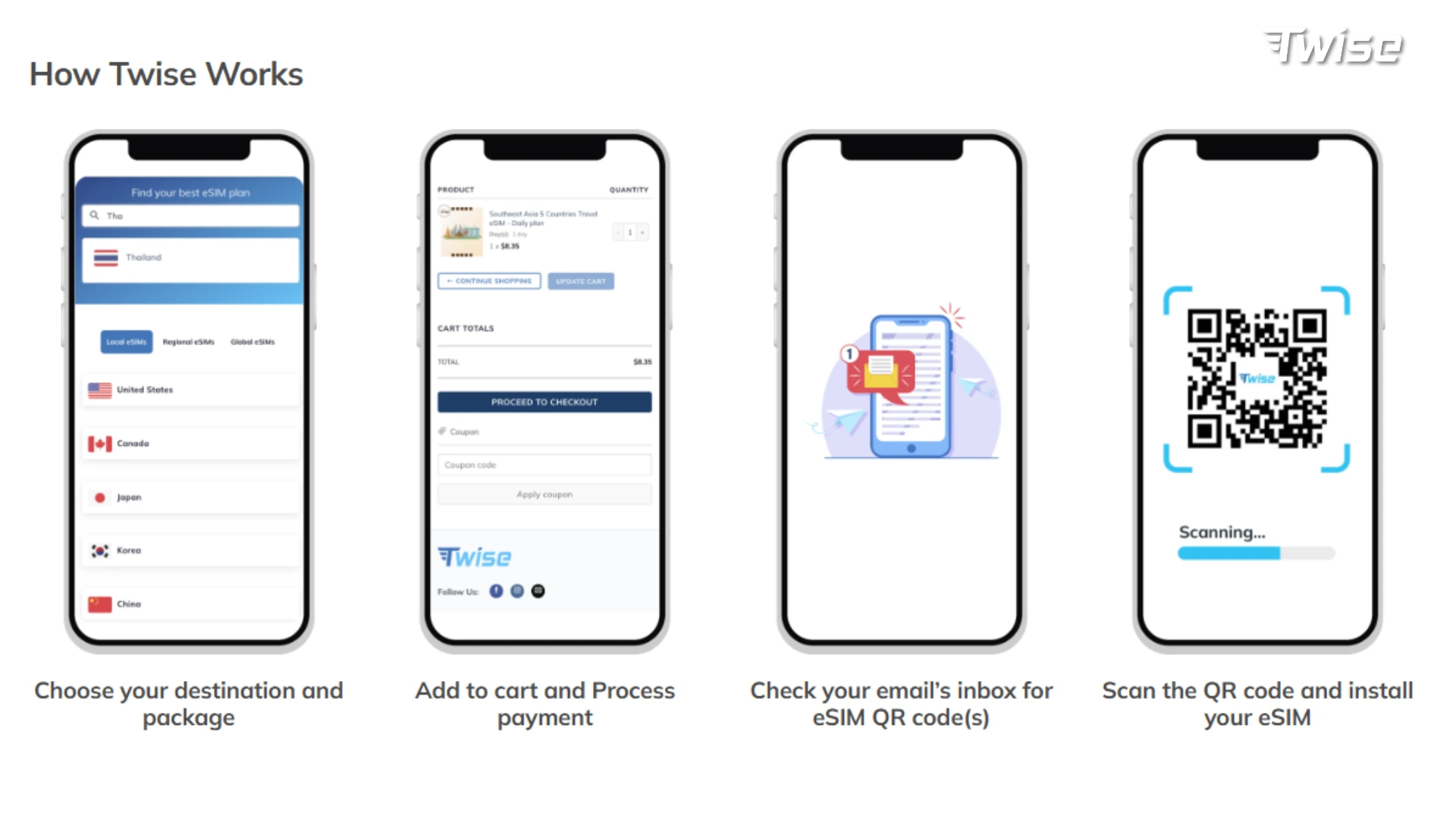
Twise’s current SKT product is data-only, includes no cellular calls or SMS, and its instructions specify scanning the QR code only after arriving in Korea.
Traveler B — Local Voice & Data eSIM
Lands, data may work immediately, but completes required passport or identity verification steps before cellular calls or SMS become available, following the specific carrier’s rules. SKT, for example, states that data is usable independently of passport verification, but Voice/SMS requires it.
Which Traveler Has Less Friction?
It depends entirely on what each traveler needs. Data-only has less value if the traveler genuinely needs SMS or local calls during the trip. Voice & Data introduces unnecessary verification steps if the traveler never uses those features at all.
Twise SKT Data-Only eSIM: Who Is It Best For?
What the Current Plan Includes
- Data-only
- Runs on SK Telecom
- Unlimited 5G/4G data under current plan terms
- No cellular calls or SMS
- Built for smartphone use
- Non-renewable
- Current instructions specify scanning and installing only after reaching Korea
Best-Fit Traveler
Anyone whose trip mainly needs maps, translation, hotel and tour messages, web bookings, social apps, internet calls, and continuous mobile data.
When Twise Is Not the Right Choice
If your trip genuinely relies on Korean cellular calls, SMS, a Korean-number-dependent service, or reservation workflows that require SMS, a Voice/SMS product is the better fit — not this one.
See Twise Korea eSIM options if your itinerary matches the app-first profile above.
Korea Data-Only vs. Voice & Data by Real Travel Situation
| Korea Travel Moment | Data-only Enough? | Voice/Data Helpful? | Backup |
| Airport arrival | Usually | Rarely necessary | Airport Wi-Fi |
| Naver/Kakao navigation | Yes | No | Offline/saved routes |
| Translation | Yes | No | Offline language pack |
| Hotel booking access | Yes | No | Screenshot confirmation |
| Hotel app/email message | Yes | No | Hotel phone/address saved |
| Conventional hotel call | No | Yes | Ask airport/hotel staff |
| Ride-hailing app | Often data-driven | Number/SMS may help depending on app flow | Taxi rank |
| Train/tour QR ticket | Yes | No | Screenshot ticket |
| Restaurant SMS queue | No | Often useful | Walk-in/check manually |
| Family WhatsApp/FaceTime | Yes | No | Home roaming |
| Home-bank OTP | Korea data + home SIM | Korean number usually not the solution | Keep home SIM active |
| Remote/low-signal route | Neither guarantees signal | Neither guarantees signal | Offline map/details |
What to Do If You Use Data-Only but Suddenly Need a Phone Call
Use Internet Calling When the Other Party Supports It
WhatsApp, FaceTime, and KakaoTalk calls all work over data-only service if the person you’re contacting also uses the same app.
Ask the Hotel or Accommodation Desk to Place a Local Call
Front desks are often willing to make a quick local call on your behalf — for a restaurant, a taxi company, or a tour operator.
Keep Your Home SIM as an Emergency Fallback
Even with roaming off for data, your home line may still work for an emergency call, depending on your carrier’s policy.
Switch to or Purchase a Voice/SMS Plan if Local Calling Becomes Essential
Don’t assume voice can simply be added on top of an existing data-only line. LG U+ specifically notes that its data-only eSIM cannot receive a voice top-up — the appropriate Data+Voice product has to be purchased separately.
How to Set Up Dual SIM for a Korea Trip
- Use the Korea eSIM as your active line for cellular data.
- Keep home data roaming turned off to avoid unexpected charges.
- Keep your home number active only if you specifically need SMS or calls on it during the trip.
- Disable automatic cellular-data switching where your phone supports it, so it doesn’t quietly swap to your home line.
On iPhone, this is managed under Settings → Cellular, where you choose your default line for data. On Android, the equivalent is usually under Settings → Network & Internet → SIMs, where you set the preferred data SIM manually.
What to Check Before Buying a Korea eSIM Data-Only Plan
- Is your phone eSIM-compatible and unlocked?
- Does the plan include 4G or 5G?
- Is “unlimited” truly unlimited, or does it reduce speed after a cap?
- Is hotspot allowed on the plan?
- Does it include any cellular calls or SMS at all?
- When should you install or activate it, based on the product’s own instructions?
- Can the eSIM be reissued if it’s accidentally deleted?
- Can you extend or top up the plan if your trip runs longer than expected?
What to Prepare for Low-Signal or No-Data Moments in Korea
- Save your hotel details in Korean, not just English
- Screenshot transport and tour confirmations
- Save key station exits and addresses
- Keep offline maps downloaded where available
- Know where nearby Wi-Fi can serve as a fallback
- Keep important contact details outside cloud-only apps in case you’re briefly offline
An eSIM improves connectivity — it doesn’t eliminate the need for basic travel backups.
Final Decision: Should You Choose Korea eSIM Data Only or Voice & Data?
Choose data-only when your trip is centered on maps, translation, browsing, app messaging, QR bookings, and internet calls.
Choose Voice & Data when you already know you need conventional Korean calls, SMS, or a specific local-number workflow.
Choose neither blindly when your key requirement is banking or government identity verification — check the service’s actual requirements first, since a Korean number alone often won’t cover it.
Need mobile data rather than Korean calls or SMS? Compare Twise Korea eSIM plans before your trip.

FAQs
For many tourist activities, yes. Maps, translation, booking access, browsing, and internet messaging all run on mobile data, but data-only won’t provide conventional Korean calls or SMS.
You can’t make regular cellular calls on a data-only plan, but internet calling apps work fine through the mobile data connection.
A true data-only plan without SMS service cannot receive cellular SMS. If SMS matters to your trip, choose a product that explicitly includes it.
Not necessarily. A Korean number becomes more useful when you need local calls, SMS, or a service that explicitly requires a local number.
More useful tips for your Korea journey
eSIM or Pocket Wi-Fi Korea: Which Is Better for Travelers?
Korea Travel eSIM Guide: Local Carrier vs Travel eSIM for Tourists
Korea eSIM with Phone Number: Do You Really Need It?
